
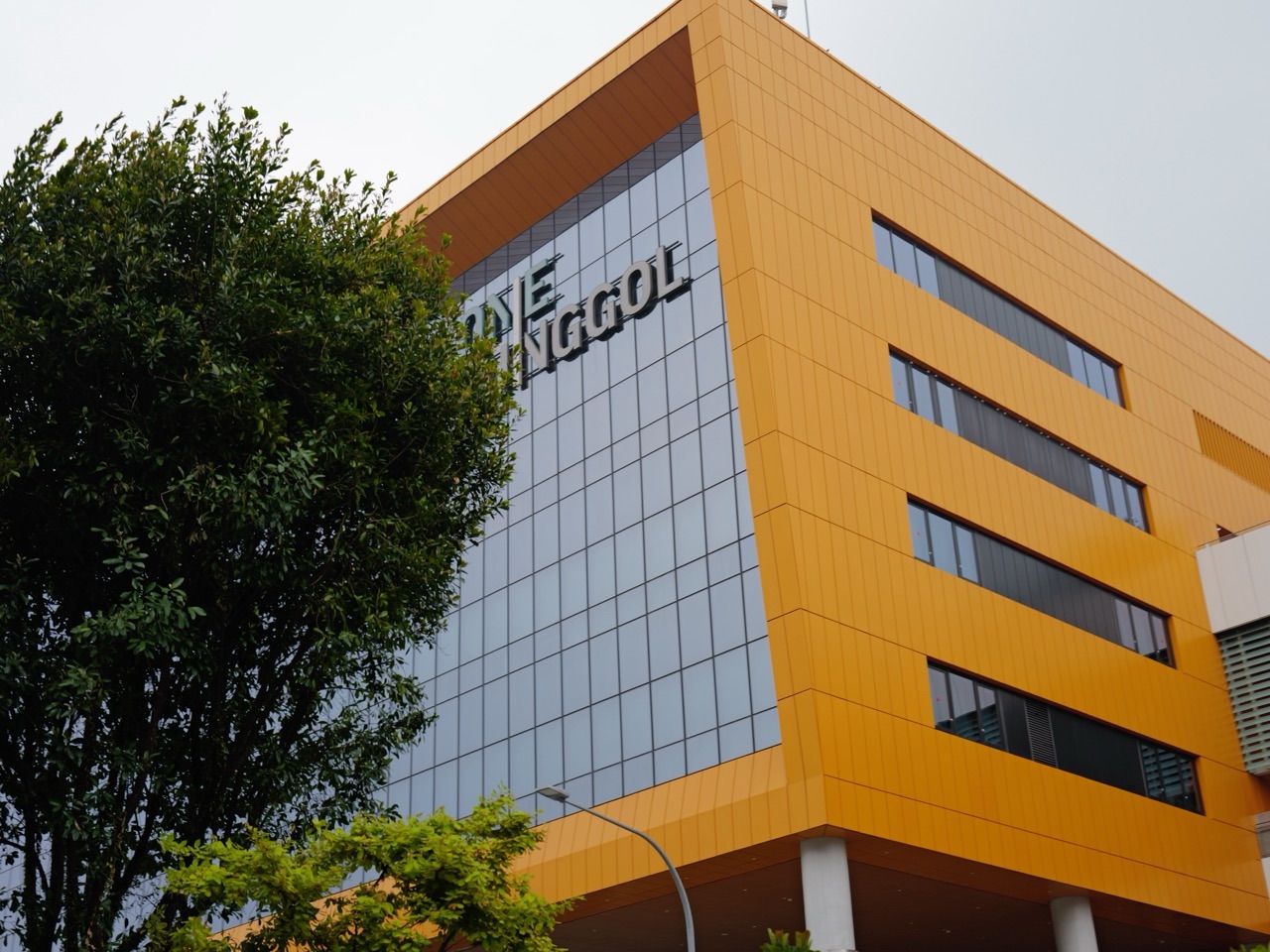
Making something real at MakeIT, Punggol Library‘s Level 4 makerspace, is one of the most rewarding things to do in Punggol during the school holidays for teens: free workshops for NLB members, 3D printers, sewing machines and more.
Here is a bold claim: the best present your teenager gives this Christmas could be one they designed and made themselves, in a public library, on equipment most families will never own.
This is idea #65 in eduKate Punggol’s Top 100 Things to Do in Punggol During the School Holidays. Below you will find what MakeIT offers, how its sessions and bookings work, the holiday dates when it is closed, and how to turn one Starter Session into a small project your teen is genuinely proud of.
Teenagers spend a lot of time consuming things.
This is a chance to make one.
And the moment a design on a screen becomes an object in your hand is the kind of moment that stays with a young person for years.
This idea is perfect for families who want to:
- give a teen a creative, hands-on project for the break;
- try 3D printing, digital cutting, sewing or simple robotics without buying equipment;
- make a handmade gift for a grandparent, teacher or friend;
- test a hobby before paying for a term-long class;
- swap a screen-heavy afternoon for something practical; or
- start the new school year with a skill nobody else in class has.
Quick look
- Best for: teens aged 13 and above (NLB’s safety recommendation)
- Time needed: 2 to 3 hours, depending on the session
- Cost: workshops and materials are free for NLB members; check live for any changes
- Best time: Wednesday to Sunday, 12pm to 8.30pm
- Nearest MRT/LRT: Punggol MRT (NE17) and Sam Kee LRT
- Rain plan: it is indoors, on Level 4 of Punggol Regional Library
See all 100 school-holiday ideas · Chat with eduKate Punggol on WhatsApp · Visit eduKate Punggol on Facebook
A Makerspace Visit Is Bigger Than It First Appears
At first glance, MakeIT looks like a room full of machines.
Look a little closer and it is really a room full of decisions.
What do I want to make? Who is it for? How big should it be? What material suits it? What will I do when the first version comes out wrong?
NLB runs MakeIT spaces at four libraries: Jurong, Tampines, Woodlands and Punggol, where it sits on Level 4. The NLB MakeIT page describes five signature learning areas: 3D Printing, Robotics and Coding, Digital Cutting, Sewing and Upcycling. It also lists the kind of equipment involved, including 3D printers, digital cutters, robotics kits, microcontrollers, electric sewing machines and 3D pens. That list is NLB’s general description, not a promise of what is available at Punggol on any given afternoon.
For a teenager, the real value is not the machine. It is the experience of taking an idea all the way from “I wish I could make this” to “I made this”.
The Hidden Lesson in a Key Tag
Picture a Secondary 2 student who wants to make a key tag for her grandmother.
Her first design has her grandmother’s name in tiny, elegant letters. It looks lovely on screen.
Then she pictures the finished thing in a real hand. Will Ah Ma be able to read it? Will the thin letters even survive being made?
So she starts again. She measures a real key ring and an old key tag at home, in millimetres. She makes the letters bigger and bolder. She checks the size against the measurements before saving the design.
Nobody gave her a worksheet.
But she has just done measurement, scale and design for a real user.
That is the hidden lesson of a makerspace: things in the real world have sizes, limits and people who use them. A design is only good if it works for the person holding it. Teens who learn that lesson early approach Mathematics, Science and even essay-writing with a sharper eye for what actually works.
Why Punggol Families Love MakeIT
Many teens are curious about 3D printing or sewing but would never buy the equipment to find out. MakeIT lets them try, close to home, without a big outlay.
The joys of a MakeIT afternoon
- NLB says workshops and materials are free for NLB members
- Starter Sessions are beginner-friendly and need no previous experience
- Five signature areas let teens try different kinds of making
- It is in the middle of town, inside One Punggol
- It suits teens who prefer doing to sitting still
- Members can book self-service time slots through MakeIT Yourself for some equipment
- Teens leave with a real object and a real skill, not just photos
Perhaps the biggest joy is the quiet pride of a teenager who says, “I made that,” and means it.
What You’ll Find at MakeIT
Here is what NLB has published, checked in October 2026, alongside notes from our MakeIT guide. Programmes and equipment change, so always check the live listing.
Starter Sessions
These are NLB’s beginner-friendly workshops in the signature areas, and NLB says no experience is needed. They need sign-up through NLB. Read what each session teaches, what to bring and any prerequisites before registering, and keep your confirmation handy. If a session is full, choose another date rather than turning up.
Makerspace hours and MakeIT Yourself
NLB describes makerspace hours when members can use equipment for their own projects, and a self-service option called MakeIT Yourself, where members book dedicated time slots for equipment such as 3D printers, 3D pens and sewing machines. NLB says signature equipment and supporting tools are free to use.
Certification for some machines
Some machines need MakeIT certification before you can use them on your own. Completing one activity does not mean you may operate every machine, so ask the MakeIT team what you can use next and how to arrange it.
Age guidance
NLB recommends MakeIT programmes and equipment for ages 13 and above, for safety. It states no hard minimum age, so for a younger child, check the specific programme’s suitability before registering.
Group learning journeys
Organisations and groups can request learning journeys to explore the technology hands-on. NLB reviews requests case by case, depending on availability.
How to Plan a Brilliant MakeIT Day
A great making day starts well before anyone touches a machine.
1. Choose one skill to try
Pick a single area for a first visit: 3D printing, digital cutting, sewing, robotics or upcycling. One skill done properly beats three skimmed.
2. Find and book a Starter Session
Start on the NLB MakeIT page, look for Punggol in the listings, and register. NLB also points people to a MakeIT Facebook group for updates and free workshops.
3. Check the opening days
MakeIT is open Wednesday to Sunday, 12pm to 8.30pm, and closed on Mondays, Tuesdays, public holidays and the eves of Christmas, New Year and Chinese New Year. These hours differ from the main library’s.
4. Plan the project and the person
Before the session, ask your teen: “Who is this for, and what will they use it for?” A gift for a grandparent, a name tag for a new school bag or a phone stand for a desk all give the making a purpose.
5. Measure before you go
If the project has to fit something real, such as a key ring, a bag strap or a pencil, measure it at home in millimetres and write the numbers down.
6. Expect a second attempt
First versions are often a little off. Build in time, or a second visit, to improve the design. Our MakeIT guide suggests starting with a small object or test piece.
A Sample Holiday Day, Hour by Hour
MakeIT opens at noon, so this plan starts gently. If your Starter Session is at a different time, simply shift the blocks.
10am: Browse for ideas
The main library opens at 10am. Head to the shelves and look through books on design, crafts or making. Sketch three ideas in a notebook.
11.15am: Early lunch
Eat at One Punggol Hawker Centre on Level 2 of the same building, before the lunch crowd and before the session.
12pm: MakeIT
Go up to Level 4 for your Starter Session or booked slot. Follow every safety and material instruction, and ask questions.
2pm: Review and improve
Find a quiet seat. Ask, “What worked? What would you change?” Note the next steps.
3pm: A walk and a breather
If the air and weather are good, take a short walk along Punggol Green beside One Punggol. Check haze.gov.sg first.
Evening: Finish and wrap
At home, add any finishing touches, write a short card, and wrap the gift. Or simply place the new object somewhere everyone will see it.
Three Ways to Enjoy It
MakeIT is aimed at teens, so the younger two groups need a different route into making.
For little explorers (Primary 1–3)
NLB recommends MakeIT for ages 13 and above, so it is not the place for this age group. Instead, try Spark!Lab on Level 2, designed for ages 7 to 12, or TinkerTots on Level 1 for preschool siblings aged 6 and below, with a parent supervising. At home, a box of clean recyclables and tape is a perfect mini-makerspace.
For big kids (Primary 4–6)
Upper primary children are also below the recommended age. Check whether any specific programme is suitable before registering, and otherwise point them to the Level 2 tinkering lab. A Primary 6 child heading to secondary school can plan a “first MakeIT project” for when they turn 13.
For teens (Secondary 1–4)
This is their space. A Secondary 1 student might start with a simple 3D-printed name tag or a sewn pouch. A Secondary 3 or 4 student could try robotics and coding, which NLB says needs no previous coding experience. Teens who enjoy it can explore certification so they can come back and use equipment for their own projects.
The Learning Bridge: Mathematics and Science Without the Worksheet
Making is a practical subject in its own right, but it also quietly reinforces school skills.
- Mathematics: Designing to size means measuring in millimetres and centimetres, converting units and thinking about scale, all part of the Measurement and Geometry strand.
- Science: Choosing a material, such as fabric, paper or plastic, for a particular job is a hands-on way to think about the properties of materials.
- English: Following written instructions carefully, and later writing a short “how I made it” note for the gift card, practises reading and writing procedures.
Keep the talk light and curious. For more on using the holidays for Science without overloading anyone, read our article on repairing, consolidating or preparing ahead in Science.
Little Hiccups and How to Dodge Them
Arriving on a closed day
MakeIT closes every Monday and Tuesday. In the 2026 break, it is also closed on Thursday 24 December, Friday 25 December, Thursday 31 December and Friday 1 January 2027. Check the date before you set off.
The session is full
Popular sessions fill quickly in the holidays. Register early, and if it is full, pick another date rather than turning up hoping for a place.
“Why can’t I use that machine?”
Some machines need certification. Explain this to your teen beforehand so it feels like a next step, not a rejection.
The first version goes wrong
It will happen. Treat it as useful information, note what changed, and plan a second try.
Too young for the space
NLB recommends ages 13 and above. Plan a parallel activity for younger siblings on Level 1 or Level 2.
Heat, rain and haze on the way
Check haze.gov.sg before walking, look at MSS’s heat stress advisory on very hot days, and wait indoors if the MSS lightning alert page shows storms nearby. Our Punggol Haze Indoor Activity Planner has more ideas for high-haze days.
What a Great Day Looks Like
You will know it went well when your teen:
- can explain what they made and why they designed it that way;
- talks about one thing they would change next time;
- followed safety instructions without being reminded;
- asks how to get certified or book another slot;
- gives or uses the object proudly; and
- starts noticing how everyday things are designed.
That last one is a lifelong habit, and a very useful one.
When to Go
The year-end holidays for MOE primary and secondary schools fall between Saturday 21 November and Thursday 31 December 2026, as set out in MOE’s 2026 calendar. Some secondary students at schools used as O-Level venues finished Term IV on Friday 23 October, which gives them extra weeks to book sessions. If your teen catches the making bug, MOE’s 2027 calendar offers more chances: 13 to 21 March, 29 May to 27 June, 4 to 12 September, and a year-end break from 20 November 2027.
MakeIT is open Wednesday to Sunday, 12pm to 8.30pm. If your teen wants to make a Christmas gift, aim for a session in late November or early December to leave time for a second try.
Getting There from Around Punggol
MakeIT is on Level 4 of Punggol Regional Library, inside One Punggol. According to NLB, it takes about five minutes to walk from Exit A of Punggol MRT, and about the same from Waterway Point via Punggol Green; Sam Kee LRT and Punggol Bus Interchange are also close. Parking is at One Punggol. Teens travelling on their own may like our guide to a teen’s first independent outing in Punggol.
Location: MakeIT, Level 4, Punggol Regional Library, 1 Punggol Drive, One Punggol #01-12, Singapore 828629
Nearest MRT/LRT: Punggol MRT (NE17) and Sam Kee LRT
Hours: Wednesday to Sunday, 12pm to 8.30pm; closed Mondays, Tuesdays, public holidays and the eves of Christmas, New Year and Chinese New Year
Quick Details
Activity: a beginner Starter Session or booked making slot at NLB’s MakeIT makerspace
Where: Level 4, Punggol Regional Library (Punggol Library), One Punggol
Best ages: 13 and above, as recommended by NLB for safety
Cost: workshops and materials are free for NLB members; signature equipment is free to use, according to NLB
Time needed: 2 to 3 hours
Booking: Starter Sessions need sign-up; MakeIT Yourself slots are booked by members; some machines need certification
Accessibility: NLB has described accessible options at MakeIT; ask the team about specific needs before booking
Status checked: October 2026, NLB MakeIT at Libraries page (open; no closure notice at the time of checking)
What to Bring
- An NLB card or the NLB app
- Your registration confirmation
- A notebook with sketches and measurements
- A ruler or measuring tape for planning at home
- A water bottle
- A small bag or box to carry the finished piece home safely
- Hair ties for long hair and sensible clothes for working with equipment
- An umbrella for the walk
Frequently Asked Questions
What is MakeIT at Punggol Library?
It is NLB’s makerspace on Level 4 of Punggol Regional Library, with signature areas in 3D printing, robotics and coding, digital cutting, sewing and upcycling.
What are the opening hours?
Wednesday to Sunday, 12pm to 8.30pm. It is closed on Mondays, Tuesdays, public holidays and the eves of Christmas, New Year and Chinese New Year.
What age do you need to be?
NLB recommends ages 13 and above for safety. It does not state a hard minimum, so check each programme’s suitability for younger children.
How much does it cost?
NLB says workshops and materials are free for NLB members, and signature equipment is free for the public to use. Check live in case this changes.
Does my teen need experience?
No. NLB says Starter Sessions are beginner-friendly and need no experience.
Can we just walk in and use a 3D printer?
Not always. Some machines need MakeIT certification, and MakeIT Yourself slots are booked in advance by members. Ask the MakeIT team what you can use.
Is MakeIT open over Christmas?
In the 2026 break, it is closed on 24, 25 and 31 December and 1 January, as well as every Monday and Tuesday.
Helpful Reading for Punggol Families
- Top 100 Things to Do in Punggol During the School Holidays
- Punggol School Holiday Guide: A Week-by-Week Plan for the Year-End Break
- MakeIT at Punggol Library: Free Workshops, Age Guidance and Equipment Booking
- Punggol Regional Library Guide 2026
- Creative Things to Do in Punggol 2026
- Try a New Hobby in Punggol: A Four-Week Test Drive
- Things to Do in Punggol for Teenagers
- School Holiday Science Plan: Repair, Consolidate or Prepare Ahead?
- NLB: MakeIT at Libraries
MakeIT for Punggol Families
Some lessons cannot be read.
They have to be made.
A key tag teaches measurement.
A wonky first print teaches patience.
A finished gift teaches pride.
For little ones, making starts with tape, boxes and a parent at TinkerTots.
For big kids, it grows at the Level 2 tinkering lab.
For teens, it becomes real at MakeIT, where ideas turn into objects.
And for parents, it is a reminder that a teenager who can design, test and improve something is learning far more than how to use a machine.
Plan the Rest of Your School Holidays
Browse the full Top 100 Things to Do in Punggol During the School Holidays, or stay on Level 4 for idea #66, the Punggol Stories exhibition, where old Punggol’s kampongs and farms come to life.
And if a calm, small-group learning block is also on your holiday list, eduKate Punggol teaches English, Mathematics and Science in classes of three. Come find out more.
Book a consultation · Chat on WhatsApp
eduKate Punggol
Small-group English, Mathematics and Science
Primary and Secondary
By appointment · +65 8823 1234
Properly taught kids shine a bright light into the future.
← Previous: #64 Toy Library and TinkerTots · All 100 ideas · Next: #66 Punggol Stories exhibition →
Checked October 2026. Opening hours, prices, programmes and closures change, so please confirm with the official source before you go.


