
G2 Computing tuition can help a child trace a program by replacing “I think the answer is…” with a repeatable record of what changes after each instruction. The student identifies the starting values, follows the program in order, tests every condition at the moment it is reached and records each update before stating the output.
Try this next: show your child a short block-based program and ask for the value of every variable after each loop, not only the final answer. If the child jumps straight to the last block, restarts the loop incorrectly or changes a variable without writing the new value, the tutor has found a specific tracing gap to teach.
G2 is a subject level, not a Posting Group. Computing is not automatically offered to every student or by every school, and the new G2 syllabus begins its first examination in 2027. Confirm the child’s actual school subject, software environment and current topic before arranging specialised tuition.
In this guide
Find the first wrong update, not just the wrong output
A final output can be wrong for several different reasons. One student may not initialise a variable. Another may treat greater than as greater than or equal to. A third may run the loop one time too many. A fourth may follow the blocks visually from left to right even when event flow says otherwise.
A useful diagnostic uses a program short enough to trace by hand. Ask the student to underline the starting value, number the instructions in execution order, write T or F beside each condition and show every new variable value. Stop at the first mismatch between the program and the student’s record. That first mismatch tells the tutor what to repair; the incorrect final output is only the symptom.
- Missing initial value: teach setup before execution.
- Wrong condition result: revisit relational and logical operators.
- Wrong number of passes: separate loop setup, test and update.
- Correct trace but wrong answer sentence: practise identifying the requested output.
A trace table is a thinking tool, not decoration
A simple trace table can have four columns: step, condition, variable value and output. Each row represents a real moment in execution. The student writes only what changes, while keeping unchanged values available for the next step. This slows the program down enough for the logic to become visible.
Did you know? Guessing often feels faster only because the checking work stays hidden. A compact table reduces the load on working memory: the child no longer has to remember the current value, the loop count and the condition result at the same time. Once the table is accurate, it can become shorter; accuracy comes before compression.
Tuition should also teach the student to choose columns deliberately. A program with two variables needs separate columns. A program that prints inside a loop needs an output row for each print event, not only the last value.
Walk through one program without a guess
Consider this original block-style program: set score to 3; repeat three times; if score > 4, change score by 2, otherwise change it by 1; after the loop, say score.
- Start: score = 3.
- Pass 1: 3 > 4 is false, so add 1. New value: 4.
- Pass 2: 4 > 4 is false, so add 1. New value: 5.
- Pass 3: 5 > 4 is true, so add 2. New value: 7.
- The loop ends; the program outputs 7.
The important moment is the second pass. A student who reads > as ≥ will take the wrong branch when the value is 4. The tutor can change only the operator and ask the child to predict which row changes. This variation checks understanding without burying it in new graphics or a long story.
Read sequence, choice and repetition separately
Program tracing becomes manageable when the child names three control-flow ideas. Sequence is the order in which instructions run. Choice is the branch selected after a condition is tested. Repetition is the set of instructions run again under a fixed count or condition.
A tutor can colour-code these roles briefly, then remove the colours. For a flowchart, the student follows arrows and treats a decision as a question with a yes/no route. For blocks, the student pays attention to nesting: a command inside a loop repeats; a command after the loop does not. For concurrent scripts in a game, the child must first identify the triggering event and should not assume a single neat top-to-bottom path when the program allows more than one script to run.
The aim is not to memorise a picture. It is to build an execution story that stays faithful when the values, operators or number of repetitions change.
How tuition can turn hidden logic into an explainable routine
A focused lesson can begin with retrieval of symbols such as >, <, =, and, or, not. The tutor models one trace aloud, the student completes a near example with prompts, and then a fresh program is traced independently. Debugging comes next: compare the predicted trace with what the program actually does, locate the first difference and correct the code or the reasoning.
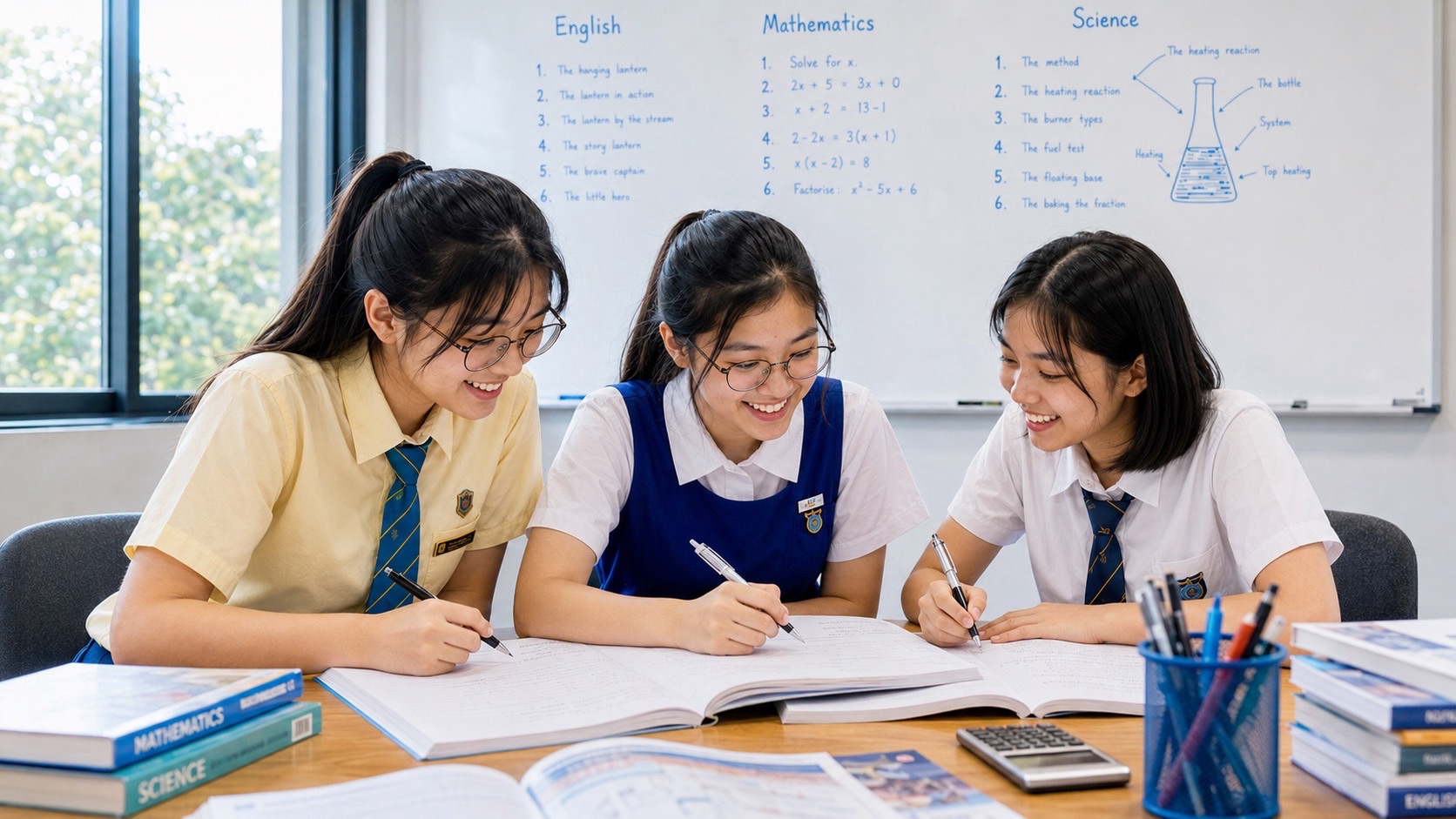
If a provider really offers G2 Computing and works with three learners, the group can support precise explanation: one student predicts, one records the trace and one checks the condition, then roles rotate. The tutor must still obtain an individual trace from each child. Group talk is useful only when it reveals reasoning rather than letting a confident coder supply everyone’s answer.
Keep continuity with school by using the language and approved software the child actually encounters. Tuition should transfer the underlying ideas across representations, not introduce an unrelated platform simply because it looks impressive.
What the 2027 G2 K237 syllabus says
SEAB’s 2027 G2 syllabus directory lists the new G2 Computing syllabus as K237, with its first examination in 2027. The official K237 syllabus document requires students to interpret flowcharts, initialise and update variables, use conditions, loops, logical and relational operators, and identify and correct program errors.
All candidates take two papers. Paper 1 is a 1-hour-30-minute e-examination worth 70 marks and 50%, covering all six modules. Paper 2 is a 2-hour-15-minute lab-based examination worth 80 marks and 50%, with tasks in media software, spreadsheets and programming; candidates submit softcopies of required work. This balance explains why a tutor should connect hand tracing to actual execution and debugging.
The official syllabus also states which visual programming environments apply to particular learning outcomes. Families should follow their school’s implementation and re-check the year-specific document for a later cohort instead of assuming 2027 details remain unchanged.
Where tuition must stop
Tuition cannot replace the school’s lab access, guarantee a subject offering or promise an examination result. It should not turn every lesson into passive watching while the tutor operates the computer. If the child cannot explain a trace away from the screen, apparently successful code may still hide copied steps or trial-and-error clicking.
The student must create, save and submit their own assessed work under school rules and supervision. A tutor may teach concepts, demonstrate on separate examples and give feedback, but should not build or edit a school assessment for the child. The small-group teaching reference is useful as a model of diagnosing the exact mental move and building independence rather than supplying an answer.
A practical independence check for parents
Give the child a fresh program with one variable, one condition and a short loop. Ask for an execution-order list, a trace table, the final output and one sentence explaining the branch taken on each pass. Then change a single operator or starting value and ask which rows change. No hints should be needed after the instructions are read.
- The trace starts from the stated initial values.
- Every condition is tested using the current value, not the original one.
- The loop runs the correct number of times.
- The final output agrees with the table and the actual program.
- The child can find the first divergence when the prediction is wrong.
When these checks hold on unfamiliar examples and after a delay, fade the table to a leaner notation. For the wider course, read how G2 Computing tuition can prepare for K237 and the guide to relative and absolute spreadsheet references. The series syllabus directory keeps the next route visible.


