
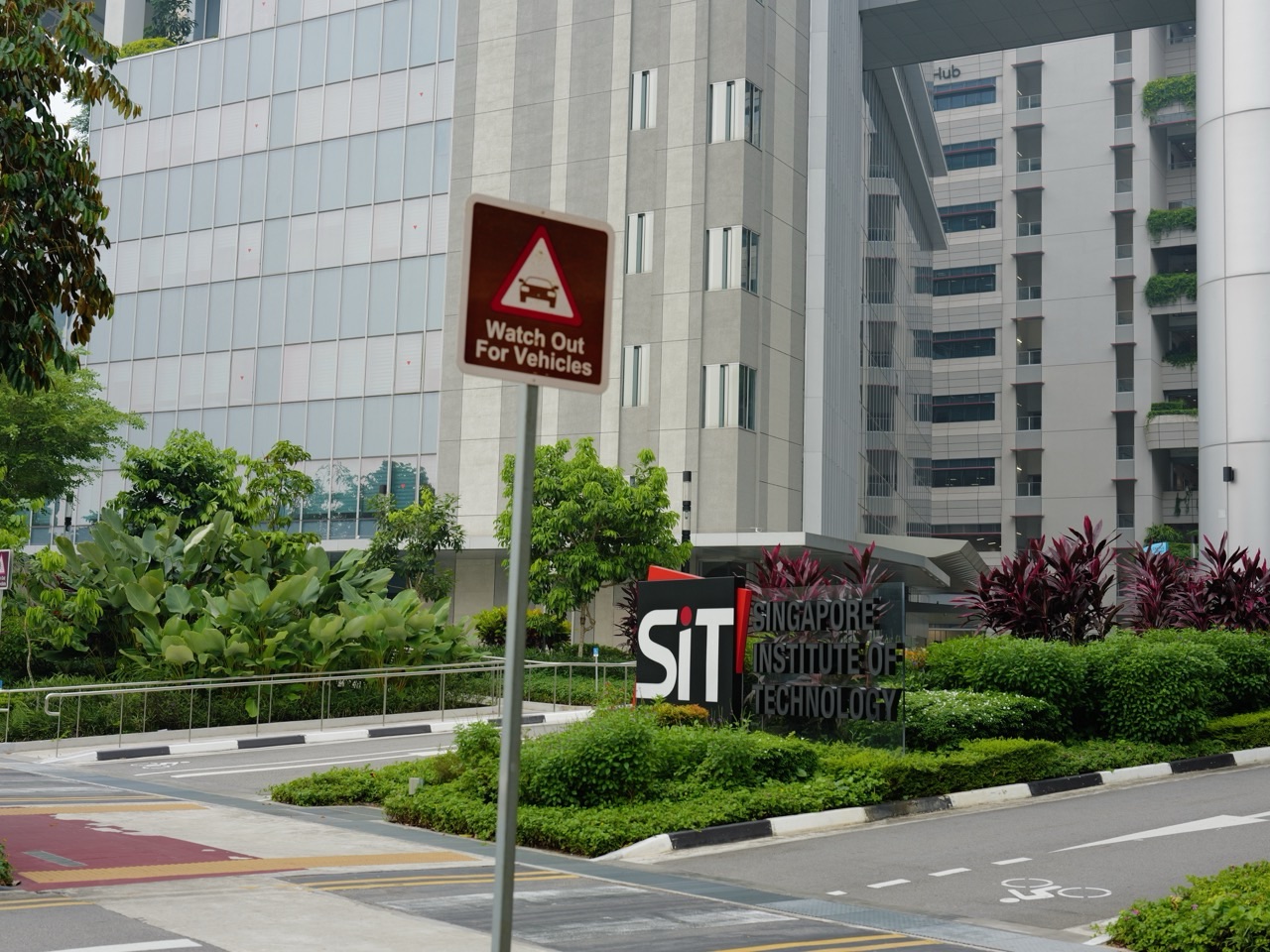
SIT’s Communication Helpdesk offers free consultations for students on written assignments, oral presentations and professional communication. It is a service of the Centre for Professional Communication, useful for SIT Punggol students seeking feedback on how to communicate more effectively.
The official Communication Helpdesk page says consultations are online, last 45 minutes and start on the hour. Students may book up to two sessions per week; follow its “Book an appointment” link to the university booking route.
The service runs on weekdays during the trimester, excluding public holidays, examination periods and trimester breaks. Check available slots in the booking system, prepare a focused question and contact CPC@SingaporeTech.edu.sg for a last-minute cancellation.

Find what you need
Decide what help you need · Use the official booking route · Prepare for an online consultation · Understand the service’s scope · Cancel promptly and attend on time
Decide what help you need
The Helpdesk supports writing structure and clarity, presentation organisation and delivery, and professional communication. Choose the part of your task where a conversation would help you make progress.
For example, bring a report outline and ask whether its sequence is easy to follow, or identify a slide whose main message is unclear. A specific question gives the consultation a manageable focus.
Use the official booking route
Start from SIT’s linked service page and follow its appointment button. Check the available time and meeting details in the university system rather than assuming there is a walk-in counter at Punggol.
Put the appointment into your calendar with time to connect beforehand. If you are working on a group presentation, clarify attendance arrangements while booking and ensure everyone understands the purpose of the session.
Prepare for an online consultation
Have the task brief, your current outline or slides, and two or three questions ready. Explain what you are trying to achieve and which decisions you have already made.
Test your audio and keep the relevant document easy to open. Leave time after the session to apply the feedback yourself; booking just before submission gives you fewer opportunities to revise thoughtfully.
Understand the service’s scope
SIT states that the Helpdesk does not rewrite, edit or proofread work, appraise grades, clarify course content or advise on citation formats. Match your enquiry to the communication support described on its page.
Ask your module team about subject requirements or assessment expectations. During a Helpdesk consultation, concentrate on explaining ideas, organising your message or preparing to communicate with an audience.
Cancel promptly and attend on time
SIT requires cancellation through the system at least three hours before the appointment. Its lateness rules include missed-session recording after more than ten minutes without notice and possible forfeiture at fifteen minutes; three missed appointments can temporarily block booking.
Cancel as soon as plans change and email CPC for a last-minute cancellation. For wider campus planning, see our SIT Punggol Campus guide.
Independent eduKatePunggol guide. Official sources checked on 11 October 2026. Consult the linked official pages for current service details and arrangements.


