
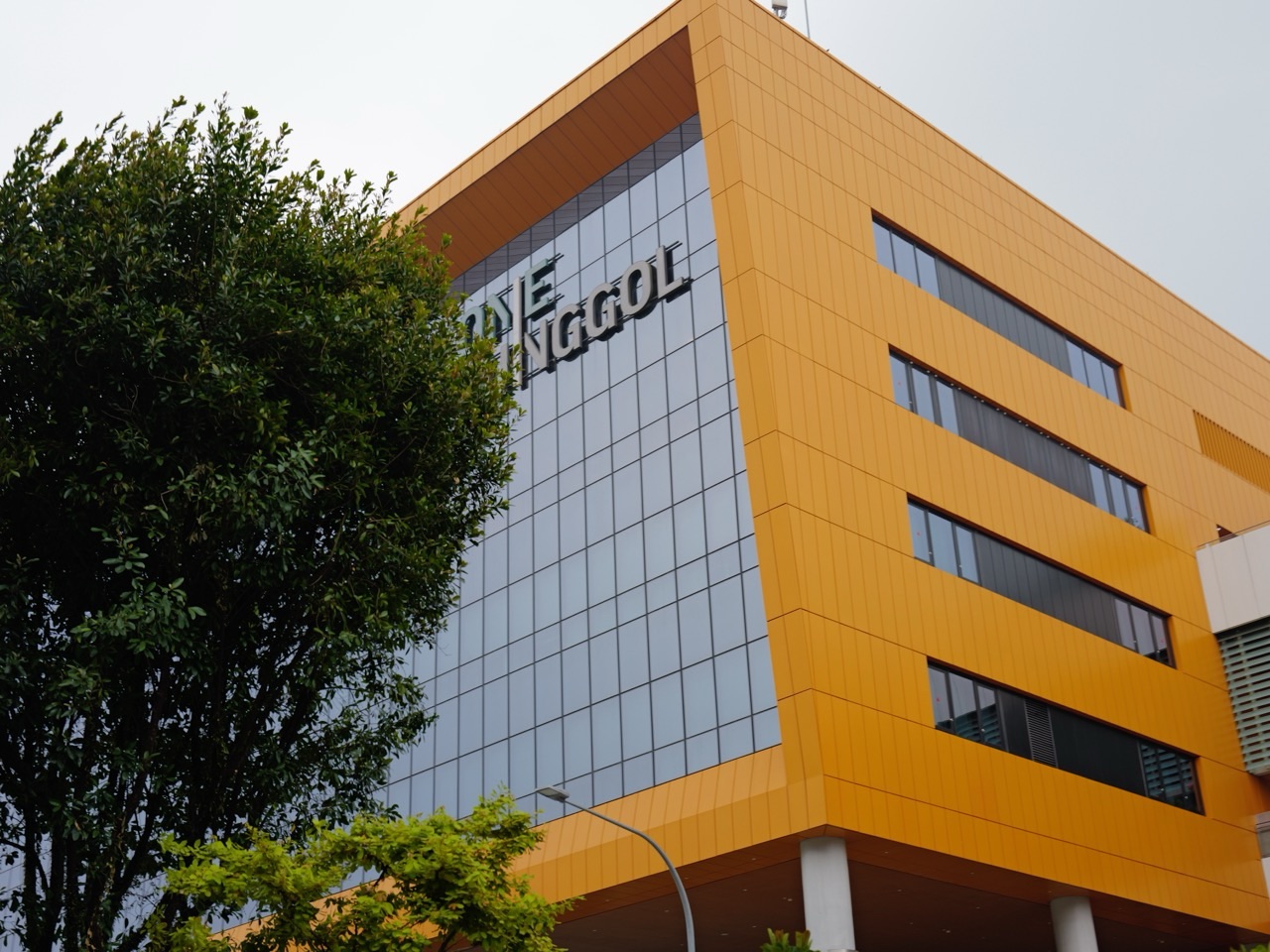
Punggol Regional Library at One Punggol is an option for residents looking for library printing in Punggol. NLB’s published multimedia-station printing rate is S$0.21 per A4 black-and-white page, inclusive of GST; payment is required before collecting the printout. See the official NLB printing policy.
NLB members use a myLibrary username to log in to multimedia stations. The service provides up to two hours of eResource access per login and 90 minutes of Internet access per day. Prepare your account details before going to the library computer.
For printing worksheets, application forms or short documents at One Punggol, check that black-and-white A4 output meets your needs. The published service information does not confirm colour printing, direct printing from your phone, or scanning; ask library staff about your particular file and the current equipment.

Find what you need
How much will your pages cost? · Prepare the document before leaving · Find the station and check the print job · When you need a different service · Plan the rest of your One Punggol visit
How much will your pages cost?
At the published rate, five pages cost S$1.05, ten cost S$2.10 and twenty cost S$4.20. These are calculations for the stated per-page charge; check the job total shown before paying.
Count the pages you actually need. A downloaded form may include instructions, an empty final page or an appendix that does not need to be submitted. Select the relevant page range instead of printing the whole file automatically.
Prepare the document before leaving
Our practical suggestion is to keep a final PDF copy, give it a recognisable filename and open it once to check the layout. Still confirm how the library station accepts your file.
For school worksheets, inspect diagrams and shaded regions. A question that depends on red and blue markings may become confusing in monochrome. Ask the teacher for an alternative version if colour carries essential information.
Find the station and check the print job
Ask staff for the multimedia and printing area. Confirm the available file-transfer method before signing into email or opening a cloud account. This guide does not promise USB support or a particular mobile printing app.
Use the preview to check page orientation, margins and text size. Confirm the correct document version, collect every page and check that the first and last pages match your selection.
When you need a different service
Choose another provider if your task requires colour, binding, unusual paper sizes or a service the library has not confirmed. Photocopying and scanning are separate tasks; a printing price alone does not establish that either is available.
For an urgent job, allow time for station availability and possible file problems. Keeping the original file accessible gives you a backup if you need another provider.
Plan the rest of your One Punggol visit
Combine the errand with reading or borrowing. For a longer work session, use our Punggol Library study-seat booking guide to plan your seat separately.
Before leaving a shared computer, sign out of accounts and remove downloaded files where the system permits. Keep sensitive printouts with you. For a child’s first independent printing errand, practise naming the file and counting the required pages together.
Independent eduKatePunggol guide. Official sources checked on 11 October 2026. Service availability, access arrangements and charges may change; consult the linked official guidance for your visit.


