
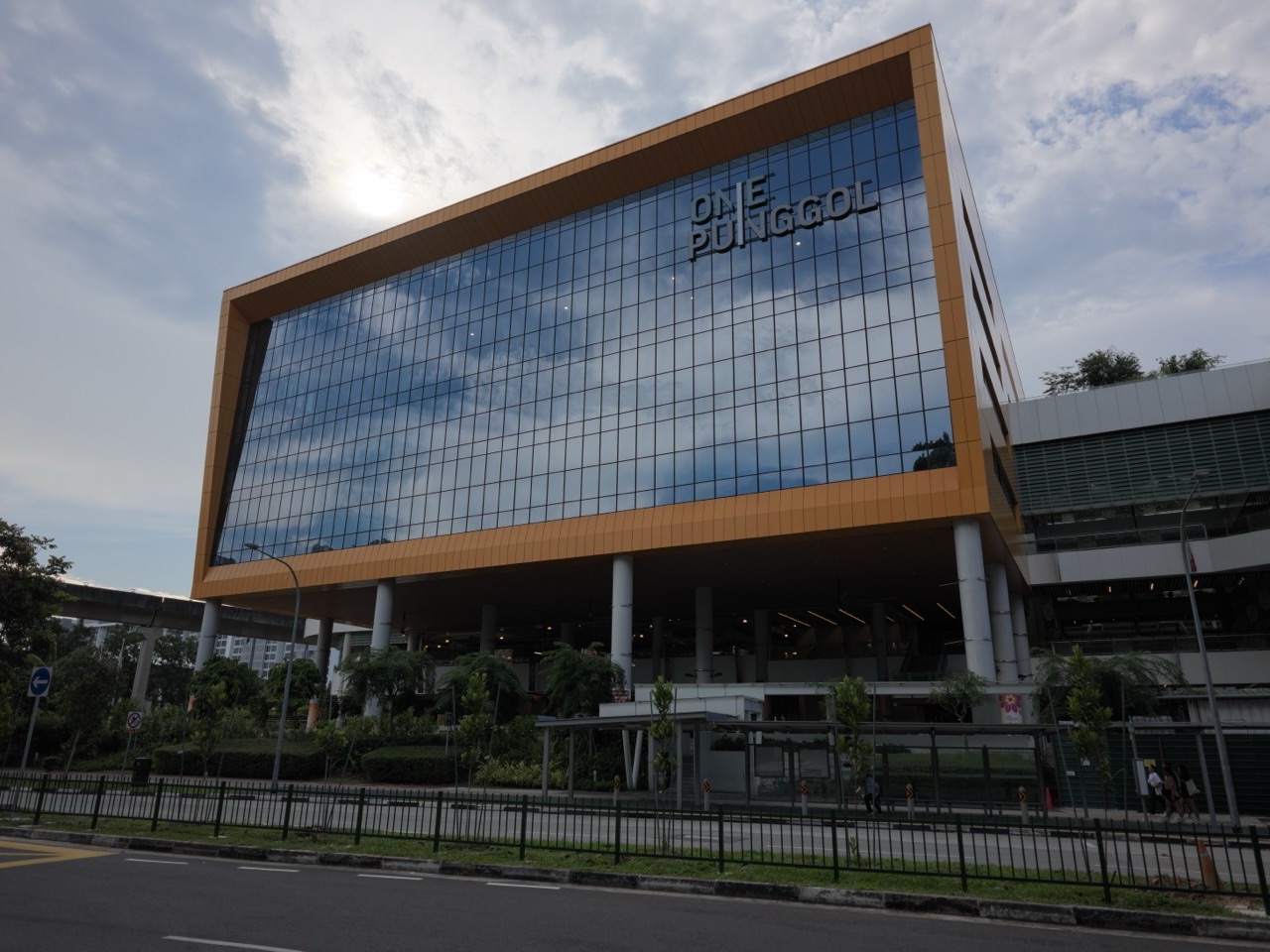
Punggol Regional Library has public computers called Multimedia Stations on Levels 3 and 4 at One Punggol. NLB lists internet browsing, electronic newspapers and magazines, and document printing among their uses. Ask library staff which station is suitable for the task you have in mind.
If you only need to look something up, have the title or website ready. If you need to print, bring the final file and allow time to check the page settings and collect the printout.
- Look for Multimedia Stations on Level 3 or 4.
- Check the current sign-in and use instructions at the station.
- Bring the file or publication details you need.
- Sign out of any personal account before leaving.
Find a station on the right floor

NLB’s Punggol Library visitor guide identifies Multimedia Stations on both floors. Ask staff where to go if the computers on one floor are busy or if you need a particular service.
Prepare the task before sitting down

For an electronic publication, note the title and issue date. For browsing, have the address or search terms ready. If you need to print, preview the document so you can spot extra pages or text cut off at the edges. Check any charges before sending the job.
Finish the session before walking away
Sign out of any account you opened and collect any papers you printed. If the task cannot be completed at the station, ask staff what other options the library offers.
Frequently asked questions
Where can I check the printing process?
See the Punggol Library printing guide for the document and payment steps.


