
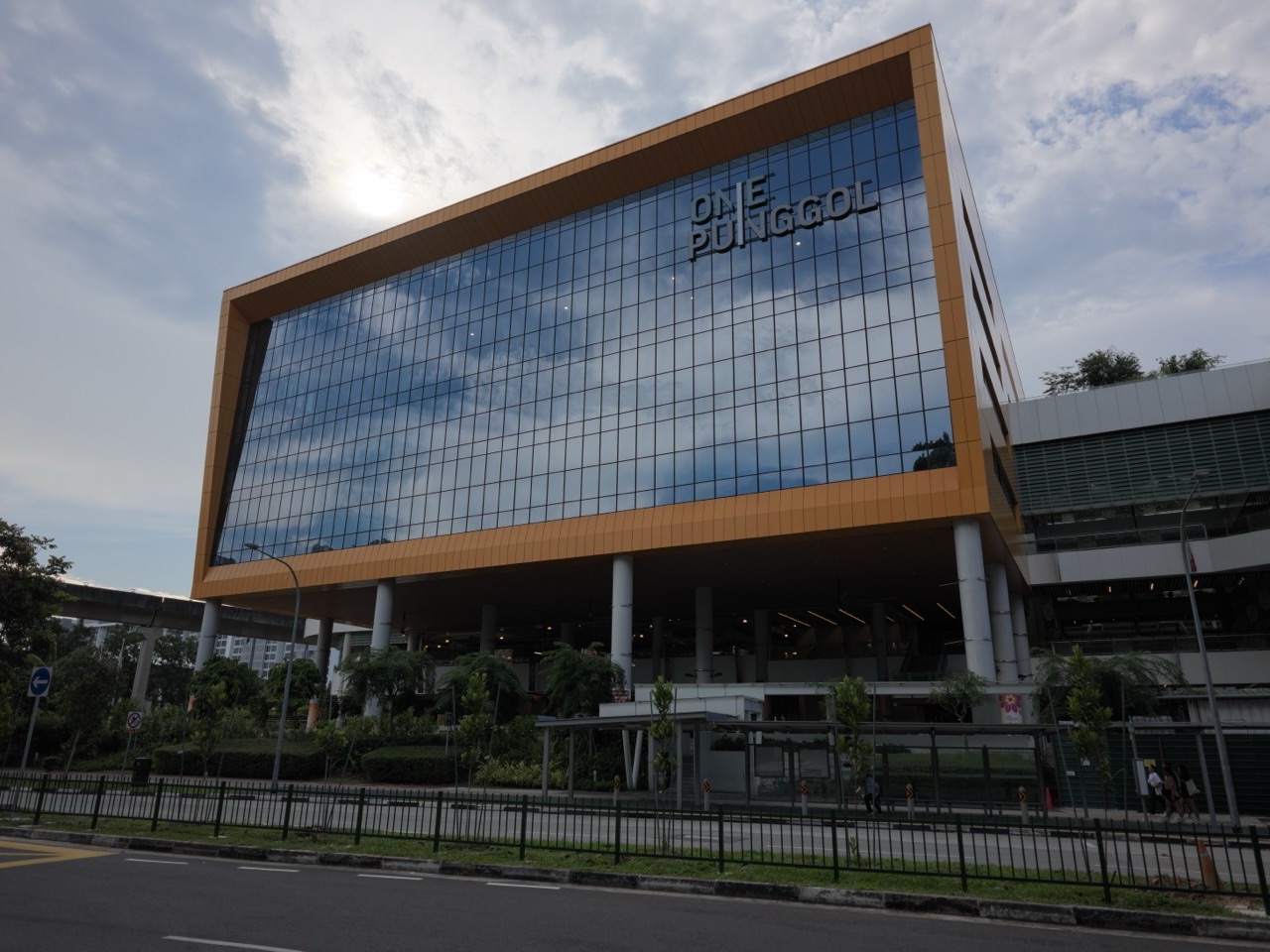
You can borrow physical books at Punggol Regional Library without using the NLB Mobile app. Bring an NLB library card or another library-compliant physical card linked to your active membership. NLB’s visitor guide shows self-service borrowing stations on Levels 1 and 2 at the library inside One Punggol, 1 Punggol Drive.
Use the station to identify your account, follow the instructions for placing the books, and check that every book appears in the transaction. If you want to keep the due date handy without the app, choose the printed receipt option after borrowing.
- Bring a physical card linked to the membership you plan to use.
- Look for a borrowing station on Level 1 or 2.
- Check that the screen lists every title you intend to take home.
- Print a receipt if you want a paper record of the due dates.
Before you leave home
Bring the card you already use for NLB transactions. If you are unsure whether a particular card works for your membership, ask NLB before relying on it. This matters when an adult is accompanying a child and each person has a separate account. Decide whose books go on which account and bring the corresponding cards.
If the reason you need the machine is a flat phone battery, the most useful preparation is simply to carry your physical card. If your membership is new or you are unsure whether you can borrow, visit during staffed hours so you have someone to ask. NLB’s visual guide to Punggol Regional Library

At the borrowing station
Start with one or two books if you are showing a child how to borrow for the first time. Follow the screen to identify the borrower and register the items. Read the list before finishing. Two volumes with similar covers can look alike on the counter, so check the actual titles or volume numbers.
Finish the transaction for the first borrower before using a second account. This makes it easier to check each list and keep the receipts separate. If you need a more accessible way to borrow, NLB describes a Level 1 Borrow-n-Go station designed for people who have difficulty lifting items to a conventional machine. Ask staff how to use it. NLB’s guide to accessible borrowing

If a card or book does not register
Note which step stopped. A card problem occurs before the books are listed. An item problem can occur after the account has been recognised. Telling staff which screen you reached gives them a clearer starting point than simply saying the machine did not work.
If you intended to borrow three books and only two titles appear, set aside the third and ask for help before leaving with it. A book may need an individual check. Keep any receipt for the completed loans so you can distinguish them from the unresolved one.
Keeping track without the app
Print the receipt if available and copy the due dates into a calendar at home. For a family visit, compare the dates before writing one shared reminder. A shorter loan can fall due earlier than the other titles, even when everything was borrowed on the same day.
Use the receipt to check both the dates and the titles. A parent or child can make a short list for the return trip and check off each title as it goes into the bag. For a reserved item or an out-of-hours return, see the separate Punggol library locker and bookdrop guide.
Frequently asked questions
Which floors have borrowing stations?
NLB’s visitor guide shows stations on Levels 1 and 2. Follow current signs at the library if a station is temporarily unavailable.
Does the same method apply at Punggol Coast Mall?
That is a different library. NLB directs users of the Comics & Games Library at Punggol Coast Mall to use NLB Mobile for borrowing. NLB’s Grab-n-Go Libraries guide


