
If your child has no phone, link their account in MyActiveSG+, buy a pool pass for them and check how they will enter before travelling to ActiveSG Punggol. ActiveSG says a child entering with a caregiver can use a screenshot of the child’s QR code. It also lists a student pass and staff-assisted verification as entry options for children under 15 without a phone.
Children under 12 must enter with a parent or caregiver under ActiveSG’s guidance. If another adult is taking your child swimming, send the child’s code and confirm the adult’s own admission requirements. Check that the Punggol pool is available for the date you want.
- In MyActiveSG+, use Linked accounts to find your child’s profile.
- Buy the pool pass for that profile and check the pass before you leave.
- If a caregiver is going, send the child’s QR screenshot privately.
- Keep the entry method available so the child can scan out after swimming.
Set up the child’s pass before leaving

Open the MyActiveSG+ menu and look for Linked accounts. Follow the prompts to link the child, then select the child’s profile before buying the pass. If you are setting up several children, check the name on each pass before switching profiles.
ActiveSG’s official FAQ for children without phones explains the linked-account steps and the ways a child can enter. If you are using a student pass, have it ready at the gate. Ask on-site staff for manual verification if needed.
Send the caregiver the right code

Send a clear screenshot of the child’s QR code to the adult who is going to the pool. Say whose code it is and what date the visit is planned for. If the adult is accompanying two children, send the two codes separately so each child uses their own admission.
For example, a parent can prepare the child’s pass at home while a grandparent takes the child to the pool. The grandparent can keep the screenshot on their phone and check their own admission before leaving. Keep the image available until the child has scanned out.
Check the Punggol venue and use the same method to exit
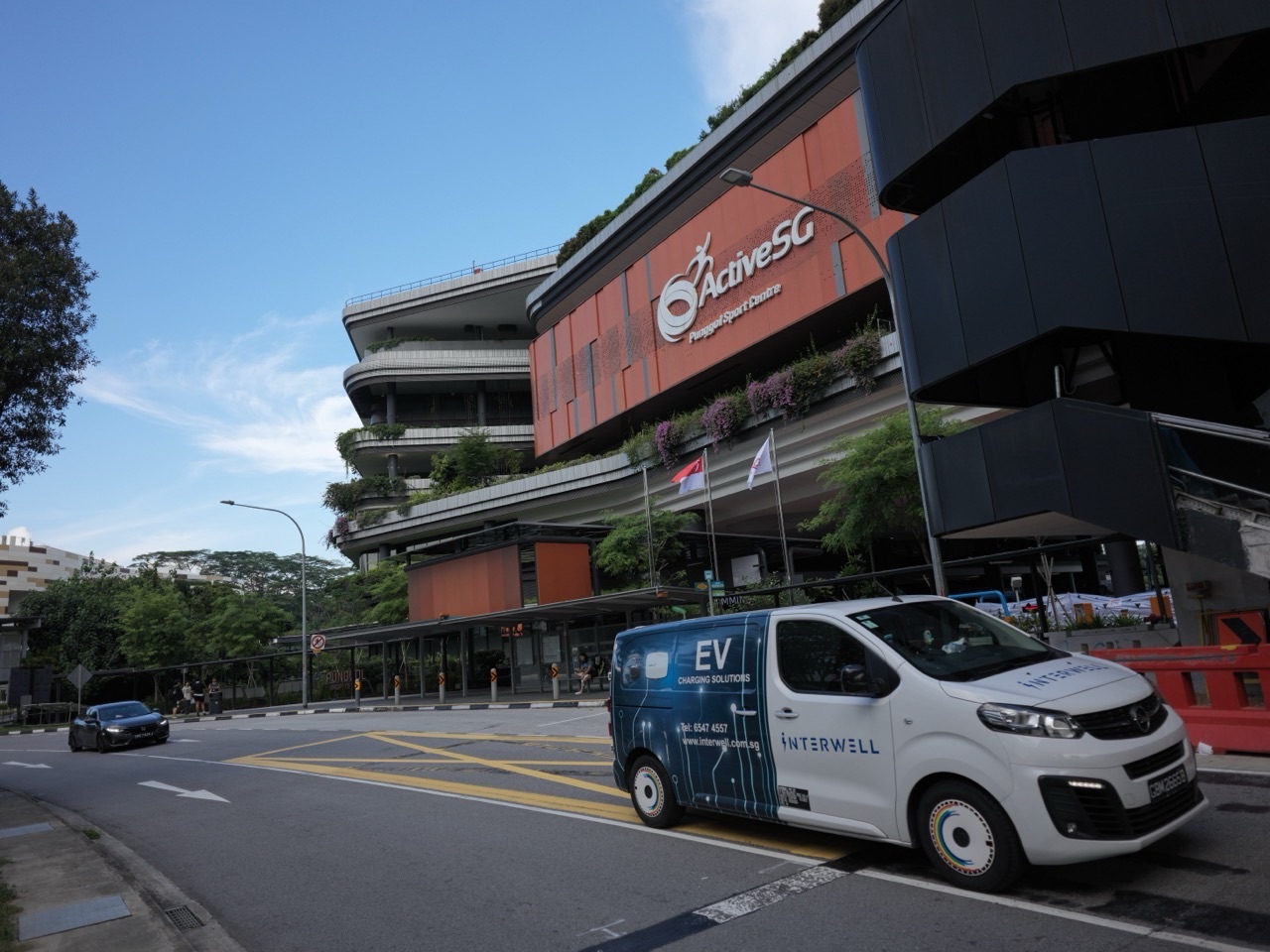
ActiveSG Punggol Sport Centre is at 11 Sentul Crescent. SportSG’s opening information lists the swimming complex among its facilities. Check MyActiveSG+ for current pool availability and entry details.
At the gantry, use the method set up for the child. If it fails, check the profile name and ask staff before trying another pass. ActiveSG says children can scan out the same way they entered.
Frequently asked questions
Does my child need their own phone?
ActiveSG provides other entry options for children under 15 without a phone, including a student pass or staff verification. A child attending with a caregiver can also use a screenshot of the QR code.
Can my child under 12 enter alone?
ActiveSG says children under 12 can enter the pool only with a parent or caregiver.
Where can I check other pool and court arrangements?
The Punggol sports and pool booking guide covers more of the local facilities and entry arrangements.


