
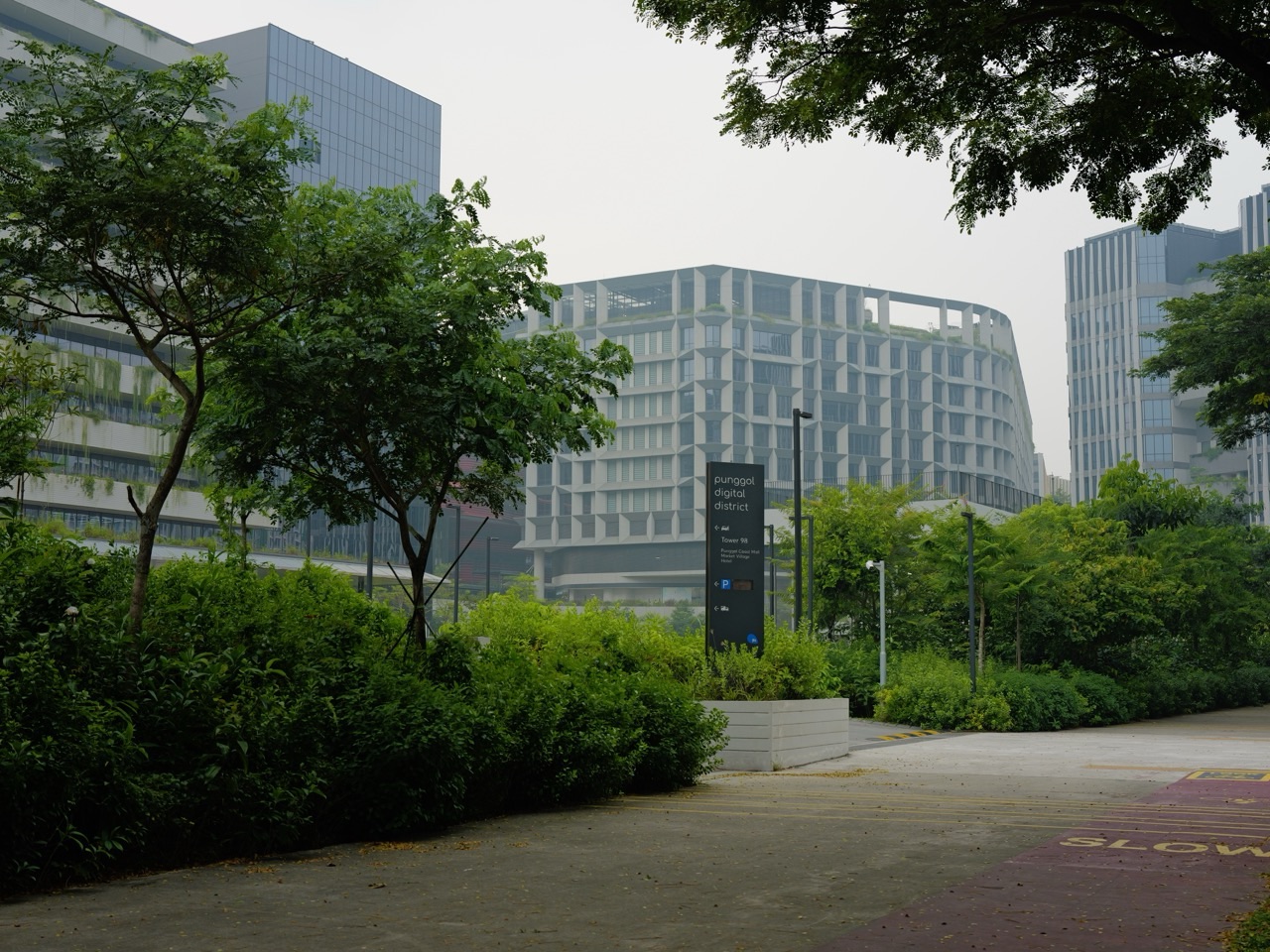
The Open Digital Platform, or ODP, is the digital infrastructure that helps different systems work together at Punggol Digital District. Developed by JTC and GovTech, it connects district operations so information from separate technologies can support coordinated management and experimentation.
A simple way to understand ODP is as a translator between systems. A building’s equipment can collect useful information but still use different technical languages. Integration allows those systems to share information in a usable form; it does not mean that every device becomes intelligent by itself.
ODP also supports a digital twin: a digital representation used to explore the district and test scenarios. For Punggol families and students, the useful questions are how observations become data, how decisions are tested, and how people check the results. This guide separates those ideas from a promise that every proposed smart-city feature is operating everywhere today.

Find the information you need
Why systems need to communicate · Sensors, data and decisions are different layers · What is a digital twin? · How does this connect to sustainability? · What a student can learn without special access · What ‘open’ does and does not establish
Why systems need to communicate
Imagine a fictional building with three separate displays: one shows temperature, another reports room occupancy and a third shows electricity use. Each display may be accurate, but someone still has to connect the observations to decide what to do.
A shared system can help bring those observations together. The important idea is the relationship between information and action: what was measured, when it was measured and what decision it can reasonably support.
JTC’s ODP explanation describes the challenge of differing system protocols and the role of middleware in connecting them. The fictional example above is a teaching analogy, not a description of a particular room in PDD.
Sensors, data and decisions are different layers
| Layer | Simple question | Everyday example |
|---|---|---|
| Observation | What happened? | A room feels warm |
| Measurement | What value was recorded? | A temperature reading |
| Interpretation | What might explain it? | Heat, occupancy or another cause |
| Decision | What should be changed? | Consider a permitted adjustment |
| Check | Did the change help? | Compare new readings and comfort |
A sensor reading does not explain itself. Units, location, timing and accuracy matter. Two readings taken under different conditions may not make a fair comparison.
This is why mathematics and science remain useful underneath the word ‘digital’. Students need to interpret quantities and test explanations before treating an output as a reliable answer.
What is a digital twin?
A digital twin represents aspects of a real system digitally. JTC’s ODP article describes district modelling, data and scenario simulation as part of this capability.
An ordinary picture shows appearance. A useful working model can also represent relationships and changes, within the limits of the information and assumptions built into it.
Consider a fictional simulation of people arriving at a venue. You could test several arrival patterns and compare the predicted queue. That would help you ask better questions, but you would still need to check the model against real conditions.
A model’s value comes from how well it supports a defined task. Looking realistic is not the same as predicting accurately.
How does this connect to sustainability?
GovTech’s smart-city overview describes ODP as infrastructure for integrating systems and optimising building management and resources.
To understand an energy claim, ask what is being compared. Is it total consumption, consumption per person, or consumption under similar weather and occupancy? A smaller number can reflect efficiency, but it can also reflect fewer users.
Do not turn a design target into a measured result. An article announcing a planned saving needs different wording from a report documenting an achieved saving over a stated period.
For students, this is an excellent exercise in reading claims carefully: underline the quantity, the comparison and the time period.
What a student can learn without special access
You do not need to log into a district platform to practise the underlying reasoning. Use ordinary, permitted observations and clearly label them as your own.
Try recording a simple count at the same public location for two short periods, without collecting personal information or obstructing anyone. Compare the counts, note what changed, and explain why two observations cannot describe an entire week.
Then sketch a model of a familiar journey: starting point, destination, waiting and movement. Identify one assumption that could change your estimate.
These small exercises build the habits that more advanced technical work needs: clear definitions, honest measurement and checking.
What ‘open’ does and does not establish
The name Open Digital Platform does not by itself establish unrestricted public access to all operational data, control systems or buildings. For technical access or collaboration, use the relevant official enquiry route.
Students should use authorised resources and published datasets when available. A public-facing explanation of a system is different from permission to inspect or operate it.
Visit JTC’s ODP page for the official introduction. Read our Punggol Digital District guide for the physical place around the technology. Sources checked on 10 October 2026.
Independent local guide by eduKatePunggol. Follow the named operator’s current access and visitor instructions.


