
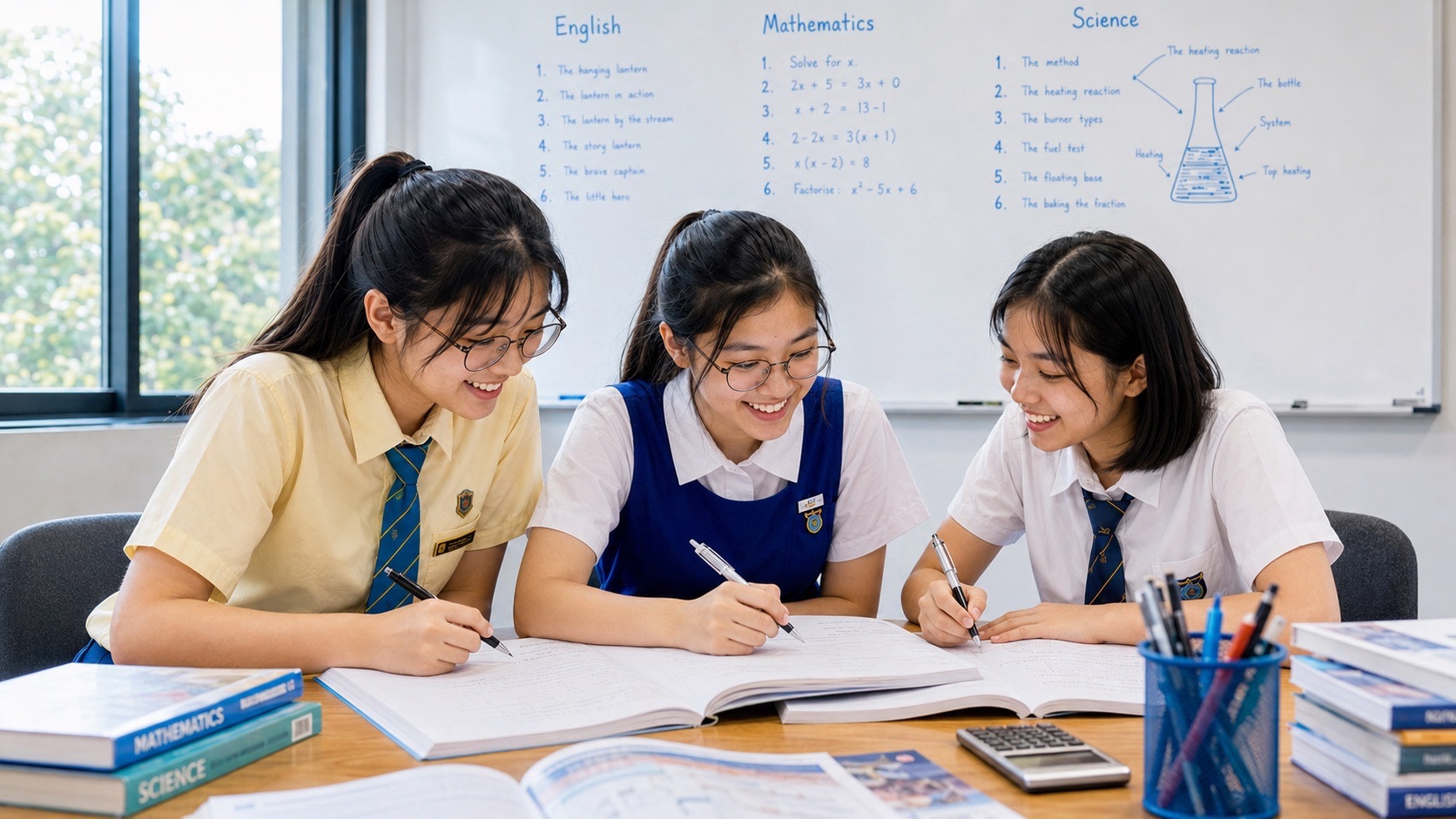
Secondary School students use Personal Learning Devices (PLDs) for lessons, research, assignments and digital learning. Parents may welcome the convenience but also worry that the same device can lead to games, videos, social media or late-night browsing. It can be difficult to tell whether a child is genuinely completing schoolwork or moving between tabs without absorbing much.
The answer is not to treat every screen as entertainment or to assume that every digital activity is productive. Students need to learn how to use school devices for a clear purpose, follow their school’s rules and maintain healthy habits away from the screen. This guide helps Punggol parents distinguish learning use from distraction, set workable home routines and discuss concerns without turning every device session into an argument.
- Ask what learning task the device is being used for before judging the screen time.
- Follow the school’s current PLD, Device Management Application and acceptable-use rules.
- Use a clear start task and finish point to reduce aimless switching between apps.
- Agree on screen breaks, device-free family time and a reasonable bedtime routine.
- Keep smartphones and smartwatches separate from PLD rules; check the school’s 2026 arrangements.
- Speak with the school if digital distractions, online safety or wellbeing concerns persist.
The aim is not to remove technology from secondary education. It is to help students use it with purpose, self-control and respect for the learning environment.
A PLD is a learning tool, not simply another phone
Singapore’s National Digital Literacy Programme provides secondary students with personal learning devices to support digital learning and the development of digital skills. Students may use a PLD for teacher-directed activities, school platforms, research, creating work and other approved learning tasks. The exact device, apps and routines can differ by school, so parents should refer to the school’s instructions rather than copy another school’s arrangements. An MOE secondary school’s overview of the programme explains the intended role of PLDs in digital learning and the development of digital literacies: National Digital Literacy Programme.
A PLD can also create distractions. A student may open a research tab and then move to an unrelated video, chat or game. Multitasking can make a study session longer without improving the quality of learning. Parents should ask what the device is helping the child do, not simply how many hours the screen has been on.
Understand the different device rules in 2026
From January 2026, MOE’s enhanced measures mean secondary students are not allowed to use smartphones and smartwatches during school hours, including non-lesson periods such as recess and CCA, subject to school-managed exceptions. This restriction should not be confused with a blanket ban on PLDs: school-prescribed learning devices continue to be used for teaching and learning under school rules. The policy change was reported by CNA following MOE’s announcement: Secondary schools’ smartphone and smartwatch restrictions from 2026.
Schools also manage PLD use through their own acceptable-use policies and device-management arrangements. Parents should check the child’s current handbook for rules about carrying, charging, storing, permitted apps and what happens if a device is faulty. Do not assume that a personal smartphone may be used as a substitute for the school’s PLD, or that school rules about a PLD automatically apply to every home device.
How to tell productive learning from screen activity
The student can explain the task
Ask the child what the teacher has asked them to complete, which app or resource they need and what the finished work should contain. A clear answer suggests that the device use has a learning purpose. If the student cannot explain the task, help them locate the instructions before opening more tabs.
The device activity produces something observable
A learning session may result in notes, an answered question, a draft, a diagram, a checked calculation or a completed activity. The output does not need to be long. What matters is whether it demonstrates engagement with the learning objective.
The student can work away from the screen afterwards
After a digital lesson, ask the student to explain the main concept without looking at the device. They might solve a related problem on paper or summarise the key idea aloud. This helps parents see whether the screen-based activity has translated into understanding.
The student can stop when the task is complete
A healthy routine has a defined end. When the assigned task is complete, the child should know whether to save the work, submit it, close the device or move to the next activity. Open-ended browsing makes it harder to recognise when study time has finished.
Create a simple home routine
- Before starting, state the task and the resource needed.
- Close unrelated tabs and silence non-essential notifications where permitted.
- Work on one task for a manageable period, then take a short movement or eye-rest break.
- Save or submit the work using the school’s required method.
- Close the PLD when learning is finished and move to an offline activity.
The routine should match the student’s age, workload and school expectations. A younger secondary student may need help planning the steps; an older student should take more responsibility for starting, checking and finishing work independently.
Agree on digital boundaries without constant arguments
MOE’s parent guidance on raising a digitally smart child recommends discussing device use with children and reaching a common understanding about when devices should be turned off, when to pause use during meals or family activities, and when to take breaks or move about. Read the MOE Parent Kit: Raising a Digitally Smart Child.
At home, agree on a few rules that adults can also follow. For example, meals can be device-free, the child can charge devices outside the bedroom where practical, and the family can set a regular time to stop non-essential browsing. Explain the reason for the boundaries and revisit them when the student’s timetable changes.
When screen use appears to be affecting learning or wellbeing
Look for patterns rather than reacting to a single evening. Is the student repeatedly sleeping late because of browsing? Are assignments delayed by unrelated screen activity? Does the child become distressed when asked to stop? Is online interaction replacing sleep, exercise, face-to-face relationships or other responsibilities? These observations do not diagnose a problem, but they can guide a calm conversation.
If the difficulty is persistent, speak with the school about its digital-wellbeing guidance and seek appropriate professional support when wellbeing or daily functioning is affected. Do not use device restrictions as the only response where the underlying issue may involve stress, peer relationships, attention or emotional health.
Questions parents often ask
Should I ban my child from using the PLD at home?
A blanket ban may interfere with legitimate schoolwork. Follow the school’s instructions and focus on whether the device is being used for its intended task. Put clear boundaries around non-school entertainment and agree on a practical routine.
How much time should my child spend on a PLD?
There is no single number that fits every lesson, assignment or student. Consider what the school requires, the purpose of the task, the student’s age and the overall balance of screen and offline activities. Follow current MOH screen-use guidance and school advice where relevant.
Can my child use a smartphone during school recess in 2026?
MOE announced enhanced restrictions from January 2026 covering smartphone and smartwatch use throughout secondary school hours, including recess and CCA, with school-managed exceptions where necessary. Check the child’s own school instructions for the exact implementation.
Use the device with purpose, then put it away
A PLD can make learning more flexible, but it does not replace attention, explanation, practice or rest. Parents can help by asking about the task, supporting a clear routine and maintaining healthy screen boundaries. The objective is for the teenager to become a responsible digital learner who can use technology when it helps and put it aside when it does not.


