
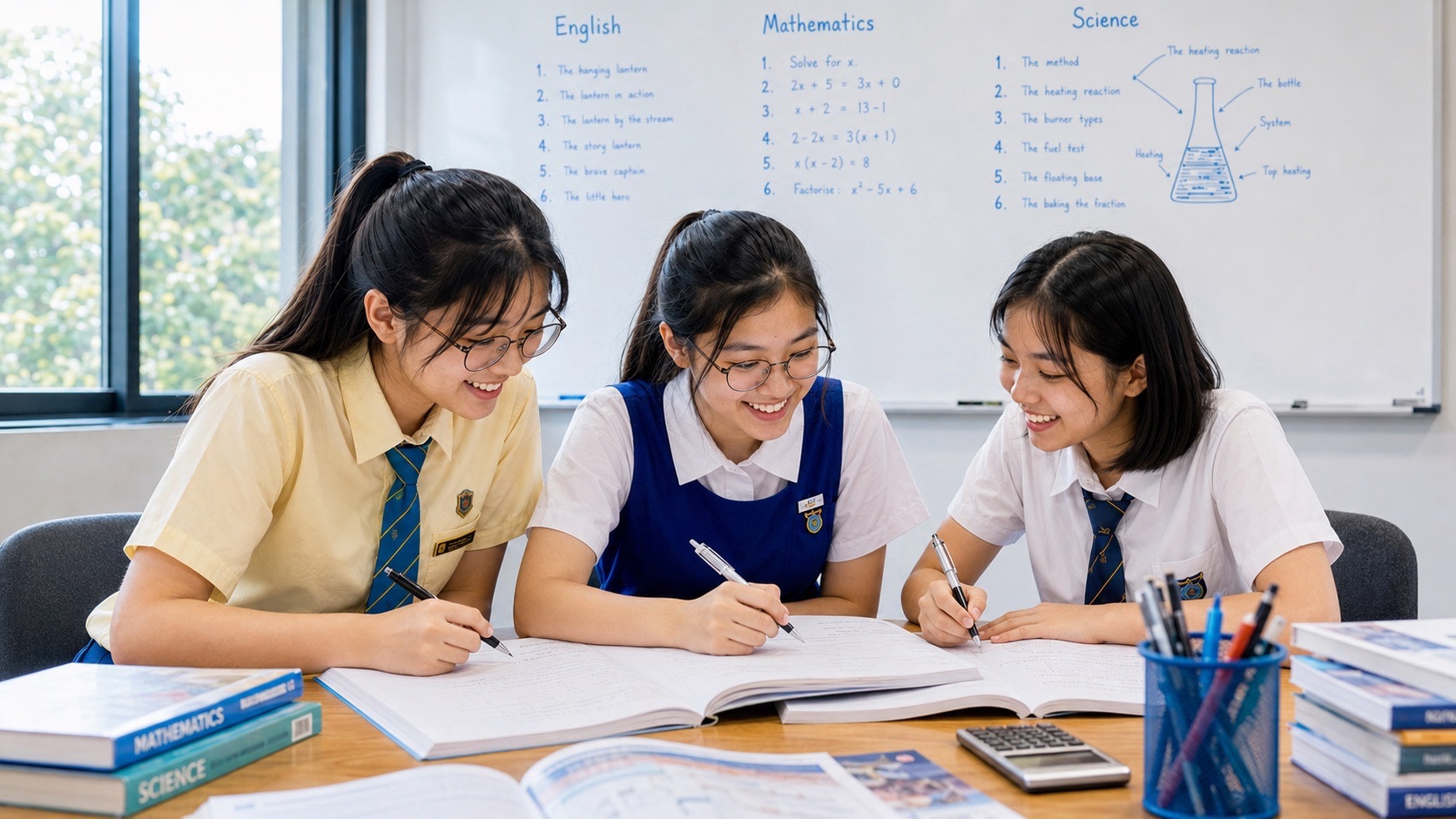
Your child finishes homework unusually quickly, produces polished explanations or uses words that do not sound like their normal writing. You may wonder whether an AI tool has completed the work. AI can be useful for explaining a difficult concept, generating practice questions or helping a learner check an idea. But when it produces the answer and the child submits it without understanding or acknowledgement, the assignment may no longer show what the child can do.
For Punggol parents, the sensible response is neither to ban every digital tool without discussion nor to assume that every AI answer is reliable. Children need clear boundaries: follow the school’s rules, protect personal information, check the output and remain responsible for their own thinking. This guide helps parents tell the difference between AI supporting learning and AI replacing it.
- Check whether the school permits AI for the particular task and age group.
- Ask your child to explain the submitted work without the tool open.
- Use AI for hints, explanations and practice only where the task allows it.
- Require the child to check facts, calculations and references rather than trust fluent output.
- Be transparent about AI assistance when the school requires disclosure or citation.
Scope: This guide offers general parent guidance for schoolwork. MOE and individual schools may set different age, tool and task rules. Always follow the student’s school instructions, especially for graded work and assessments.
AI can help learning, but it can also hide a gap
A chatbot can produce an answer that looks complete. That does not show that the student has understood the concept, selected the correct method or can reproduce the reasoning independently. If the child copies the output into homework, parents may see a polished page while the underlying learning remains unchanged.
There is an important distinction between using a tool to learn and asking the tool to do the learning task. Asking for a simpler explanation or a practice question can support a student. Asking it to write the whole composition, solve every question or produce the final project for submission may remove the work that the assignment was designed to assess.
What current MOE guidance says
MOE’s Singapore Student Learning Space guidance says generative AI can support learning when students have mastered the basic concepts and thinking skills needed to use it appropriately. The guidance also provides resources for parents on safe and responsible use. Read the MOE SLS Guidance on Generative AI.
MOE’s public statements in 2026 have emphasised age-appropriate use, foundational knowledge, critical evaluation of AI output and avoiding shortcuts that replace learning. The appropriate use of AI in a task depends on school and teacher instructions. See CNA’s report on MOE’s approach to AI in schools.
Signs that AI may be doing too much of the work
1. The child cannot explain the answer
Ask the child to describe the main idea, show the steps or explain why the conclusion follows. If they cannot, the tool may have supplied more than a helpful prompt.
2. The writing does not match the child’s usual ability
A sudden change in vocabulary, structure or tone can be a reason to ask questions, but it is not proof of AI use. The child may have received legitimate help, used a template or worked hard on a draft. Discuss the process rather than making an accusation based only on style.
3. The child cannot verify the facts
AI can produce confident but inaccurate or invented information. Ask where a factual claim came from and whether it can be checked against the textbook, teacher’s materials or a reliable source.
4. The child cannot repeat the method independently
For Mathematics or Science, ask the learner to solve a similar question without AI. If the tool’s solution is understood, the child should be able to explain the relevant steps at an appropriate level.
A family rule: attempt first, ask for help second, explain last
- Attempt first. The child reads the question and makes an initial effort using their own knowledge.
- Ask for support. Where permitted, the child asks AI for a hint, a simpler explanation or a similar practice question—not an assignment ready to submit.
- Check the output. Compare the response with class notes, a textbook or another reliable source. Correct errors.
- Close the tool. The child explains the idea or completes a similar question independently.
- Disclose when required. Follow the teacher’s rules for acknowledging AI assistance and sources.
This is a starting framework, not permission to use AI on every assignment. If the teacher says the task must be completed without AI, that instruction takes priority.
Examples of helpful and unhelpful prompts
A more learning-focused request might be: “I do not understand why the denominator changes in this fraction example. Explain the idea using a simple example, but do not solve my homework question.” The child can then close the tool and try the assigned problem.
A less useful request would be: “Complete these ten questions and give me the final answers so I can submit them.” The child may finish the page without learning the method. For writing, asking AI to point out where a paragraph is unclear may be different from asking it to produce the entire composition, depending on the assignment rules.
Protect privacy and follow age restrictions
Do not upload personal details, school account credentials, classmates’ work, private teacher comments or identifiable information into tools without explicit school approval. Check the minimum age requirements and the school’s approved platform. MOE’s SLS parent guidance is a sensible starting point for school-related AI use.
What parents can do when AI has already completed the homework
Stay calm and ask the child to explain how the work was produced. Identify which parts are understood and which are not. Review the teacher’s task instructions together. If the work has been submitted in a way that breaches the rules, the child should follow the school’s process for addressing it. Do not edit the work afterwards to hide the use of AI.
Then choose one key concept and teach it properly. The child can redo a similar question independently, explain the main argument or produce a new paragraph based on their own understanding. The immediate priority is to restore the learning that the task was meant to develop.
Questions parents commonly ask
Should I ban ChatGPT completely?
Follow the child’s age, school rules and task instructions. Some activities may permit AI support, while others require independent work. A clear family rule about honesty, privacy and understanding is more useful than an unclear blanket expectation.
Can AI explain a topic better than a textbook?
It can offer another explanation, but it can also be wrong or incomplete. Compare the explanation with the student’s notes, textbook and teacher guidance, then check that the child can use the idea independently.
How can I prove my child used AI?
Do not rely on AI-detection scores or writing style alone as proof. Ask about the process, inspect drafts or notes where appropriate and follow the school’s procedures. Detection tools can make mistakes.
What if the teacher allows AI?
Follow the exact permitted use. Ask whether the child must cite the tool, keep prompts, distinguish original work from assisted sections or complete an independent explanation.
The parent’s next step
Ask your child to show one recent piece of work and explain which parts they completed, which tools they used and what they learned. Agree on a simple rule for the next assignment: the child must understand and be able to explain the work, and all assistance must follow the teacher’s instructions.


