
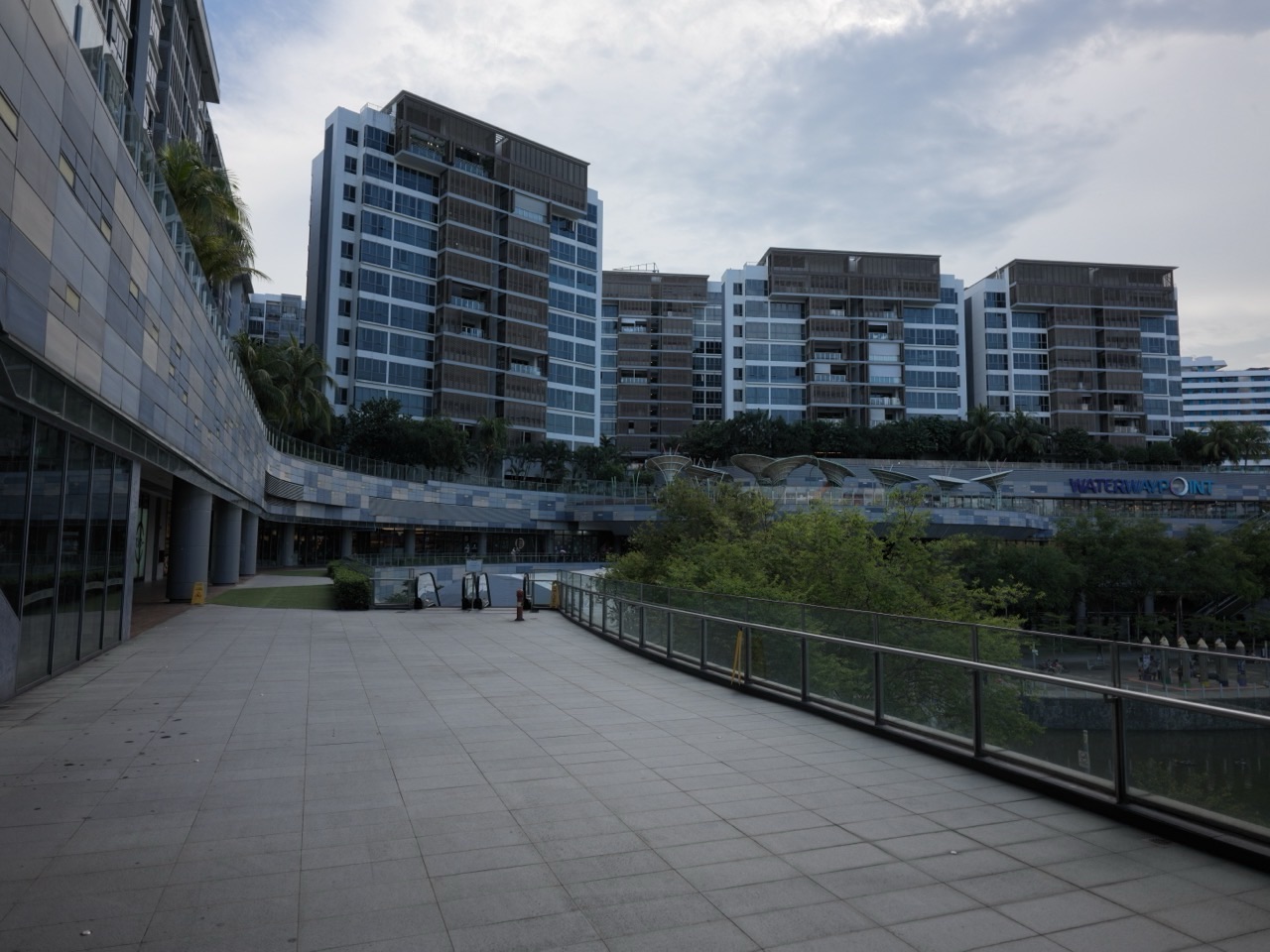
Waterway Point lists a SingPost POPStation among its mall amenities. To collect a parcel there, wait for the collection notice and check that it names the Waterway Point locker. Bring the PIN or QR code supplied with the notice.
At the locker, follow the collection prompt and enter the PIN or scan the QR code. Check the notice for the collection deadline and locker directions before leaving home. If you need help finding the locker inside the mall, ask the customer service counter in the West Wing on Level 2.
- Wait for a ready-to-collect notice.
- Match the named locker and check the deadline.
- Use the collection PIN or QR code at the locker.
- Call SingPost if the compartment is empty or contains the wrong parcel.
Confirm the collection location
Open the delivery notice and check the named POPStation. Waterway Point is at 83 Punggol Central, connected to Punggol MRT. Use SingPost’s locker locator or ask mall staff for current directions if the notice gives only the mall name. Waterway Point amenities and visitor information

Collect the parcel at the locker
Choose the collection option on the screen, enter the supplied PIN or scan the QR code, and collect your parcel from the opened compartment. Check the parcel label before leaving and follow the screen’s instructions to finish. Keep the code private. SingPost’s POPStation instructions
If the wrong compartment or parcel appears
SingPost directs customers to call 1605 if the locker is empty, contains the wrong item or opens an unexpected door. Keep your tracking number, the locker location and the time of the attempt ready. SingPost collection point support
Frequently asked questions
Should I go before the collection notice arrives?
Wait for the notice so you have the confirmed locker location and the code needed to collect the parcel.


