
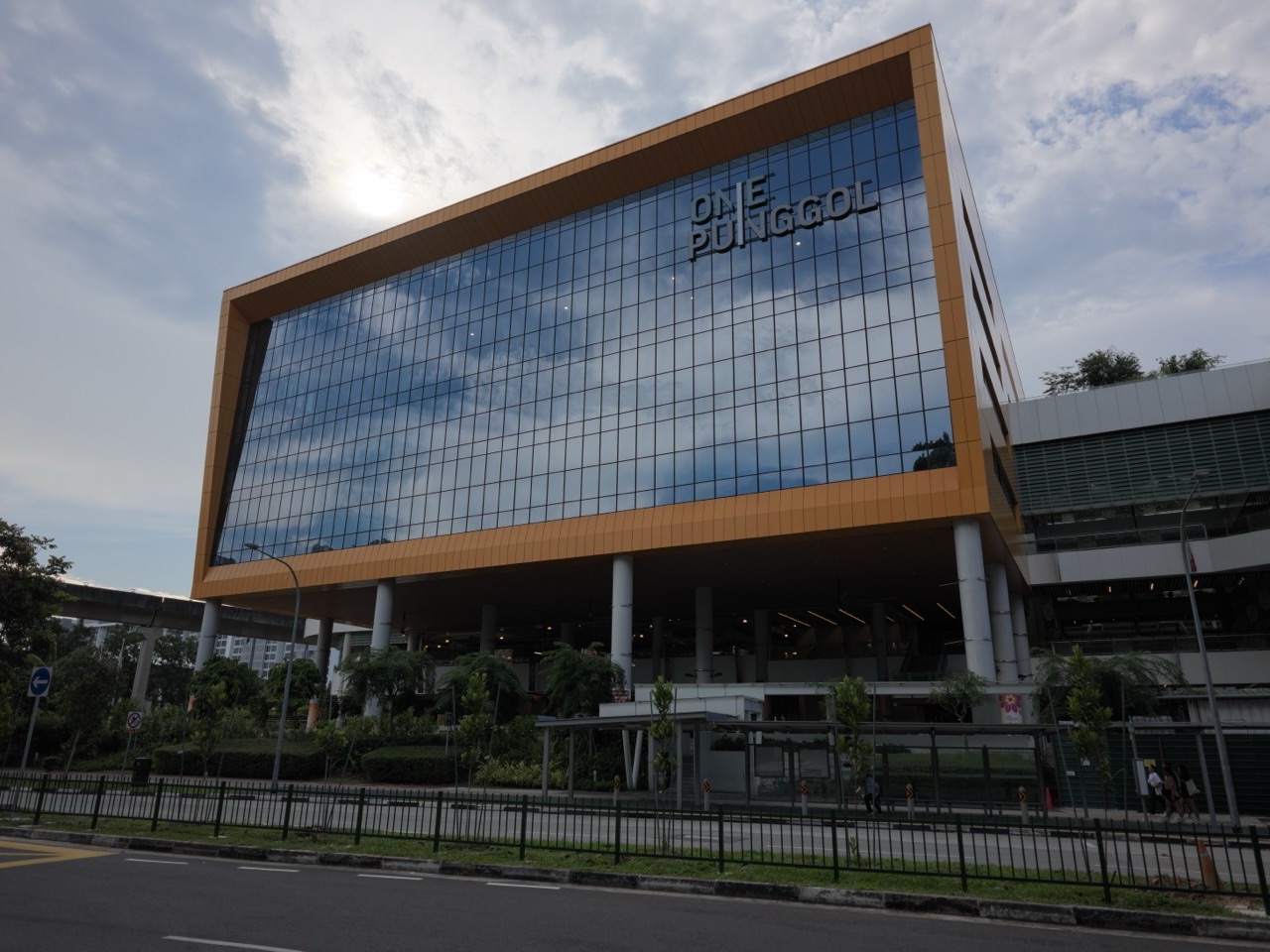
Children’s magazines are on Level 2 of Punggol Regional Library at One Punggol. NLB’s visitor guide lists them on the same level as the children’s collection and Story Pods. Look for the magazine display when you reach the floor, or ask staff where it is.
A magazine can suit a short visit because a child can choose one article, comic or illustrated page. Let them start with a topic they already enjoy and read only as much as they want to discuss.
- Go to Level 2 at Punggol Regional Library.
- Look for the children’s magazines near the children’s collection.
- Choose an issue by topic or cover.
- Check whether the particular issue can be borrowed before taking it out.
Find the Level 2 display

NLB’s illustrated Punggol Library guide identifies the children’s magazines on Level 2. If you are looking for a specific title, ask library staff where to check the current issues.
Read one page together

Let your child choose a page and say what they notice first. Then read a caption or short paragraph to see what it adds to the picture. If they choose a comic, ask what changes between two panels. This can work even when you only have time for a brief stop.
Follow the topic to another book
If an article makes your child curious about an animal, place or invention, note the topic and look for a children’s book about it. If you want to take the magazine home, confirm that the issue is available for loan.
Frequently asked questions
Can I also read magazines digitally?
The Punggol Libby magazine guide explains how to find and follow titles available through NLB in Libby.


