
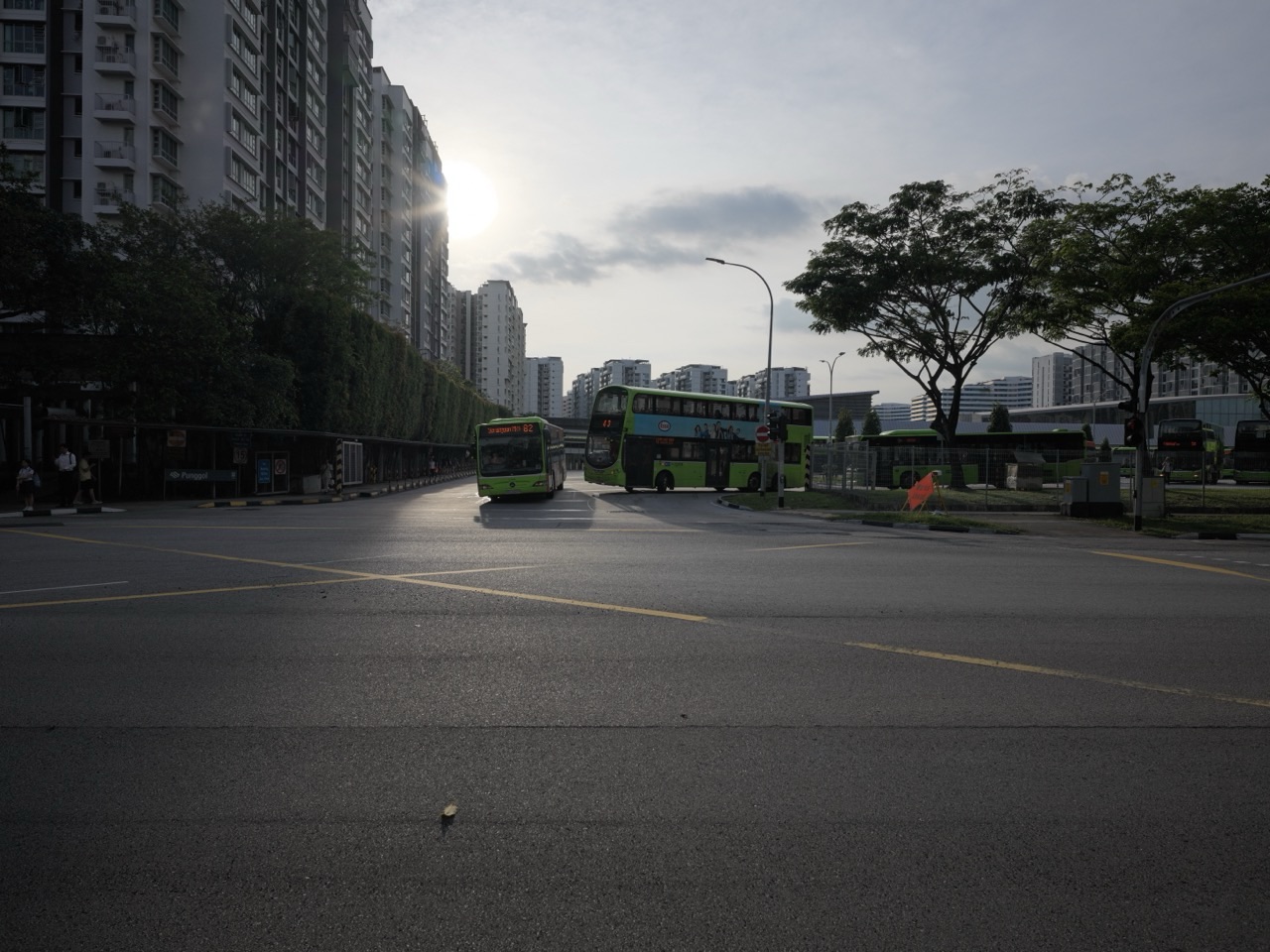
A Punggol bus stop can have an electronic arrival display that is blank, frozen, or showing a bus in one minute when none appears. That does not necessarily mean the bus service has stopped. Singapore’s Land Transport Authority (LTA) operates a system that estimates arrival times using information from buses, then shares those estimates with bus-stop displays and travel applications. A damaged screen, an incorrect estimate and an actual service disruption are three different problems.
If the bus arrival display near your school, HDB block or Punggol MRT/LRT connection looks wrong, first confirm the correct bus-stop code and service direction. Then use the official MyTransport.SG information and any posted service notice as additional evidence, while remembering that an app may receive information from the same central estimate system as the display. Do not cross the road to chase an estimated bus or assume a particular wait is guaranteed.
This guide explains what PIDS@Stop does, why predicted arrivals can be inaccurate even while buses are operating, how to make a useful report and how parents can build a safe journey plan when digital information is unreliable. It is practical Punggol information, not a real-time outage announcement or proof that any particular bus stop currently has a defect.
The answer in one minute
- Find the five-digit bus-stop code and check you are waiting on the correct side of the road.
- Distinguish a blank or damaged electronic panel from a working display showing inaccurate arrival predictions.
- Check the official MyTransport.SG app or LTA service information, but remember that multiple apps may share the same underlying ETA data.
- Watch the route number and destination on the actual bus; an ETA remains an estimate rather than a promise.
- Do not stand at the road edge, step into traffic or run after a bus because a display suddenly changes.
- Report repeated display or ETA problems to LTA with the bus-stop code, service number, direction and dated observations.
- If the shelter or electrical display appears damaged or unsafe, stay away from exposed parts and flag the physical hazard explicitly.
1. What PIDS@Stop actually is
PIDS means Passenger Information Display System. LTA’s PIDS@Stop explainer describes the electronic panels that show bus-arrival information and other public messages at stops. Modern panels use mobile communications and are intended to make commuting more convenient for people who cannot or prefer not to use a smartphone.
The display does not directly watch every bus with a camera at that stop. It receives arrival estimates calculated from data about buses and their journeys. An estimate can change as the bus encounters traffic, the data updates, or the operating situation changes. The exact system behaviour also depends on whether the stop has a functioning information display.
Some displays provide larger text and pictograms that help people read the information. Their accessibility role matters: an older resident may rely on the screen rather than a mobile app, and a blank panel may have a greater effect on someone who needs predictable travel information.
2. Why the same time can be wrong on several apps
LTA’s DataMall bus-arrival dataset supplies estimated time of arrival information for individual services at particular bus stops. Third-party apps can use this data, and the MyTransport.SG app and public display systems can also reflect the same central information.
If an underlying vehicle location or journey record is incorrect, several screens may show an inaccurate prediction at once. Opening a second app may still be useful for checking a different interface or a service notice, but it is not an independent guarantee of the real arrival time.
In January 2026, LTA published a statement about inaccuracies in the bus ETA system. It explained that some onboard data transmission issues produced wrong predicted waits while bus operations continued at usual frequencies. That dated incident is an example of the distinction; it is not evidence that the same fault continues now.
3. The four main problems and how they differ
The screen is completely dark
A blank panel might be switched off, undergoing maintenance, affected by power or communications problems, or damaged. A commuter should not attempt to reset an outdoor electronic panel, pull a cable or touch a broken casing. Report the stop code and visible condition.
The information is visible but frozen
If the displayed minute count stays unchanged despite time passing, record what appears on the screen and when. A brief delay between refreshes may be normal, so avoid declaring a device defective from a few seconds of observation. Repeatedly frozen information is more useful to report.
The display changes but the predicted bus never appears
This is an ETA-quality complaint rather than necessarily a screen-power fault. The reported service number, prediction, time and whether a bus actually passed the stop help LTA and the operator investigate. An estimate cannot by itself establish that a scheduled bus trip was cancelled.
An actual bus does not operate as expected
A service disruption, diversion or cancelled journey requires an operator or LTA service notice to establish. A blank display alone cannot prove it. Check verified advisories and, if the journey is urgent, seek a safe alternate route.
4. Why a bus-stop code matters more than ‘near Punggol’
Each Singapore bus stop has a specific identifier, and opposite sides of the same road can have different codes. Bus routes are directional; a service may travel towards Punggol Interchange from one side and away from it on the other. A report that omits the stop code and direction can lead a technician to the wrong panel.
Look for the five-digit code displayed on the bus-stop information board or in an official route finder. Pair it with the road name and nearby fixed landmark. If the code is not safely readable, describe the stop and direction as precisely as possible instead of guessing.
For example, ‘the screen at the stop towards the interchange near [landmark] was blank at 7.20 am’ is much better than ‘all Punggol buses are late’. No particular stop or service is asserted to be faulty in this illustrative example.
5. A safe commuter checklist
- Check the physical bus stop and the travel direction before comparing digital information.
- Locate its bus-stop code from the official sign or route information.
- Read the relevant bus route number and destination, not merely the next countdown.
- Consult an official service advisory, if available, for diversions or confirmed disruptions.
- If the panel is blank, use another authorised information source while staying within the safe waiting area.
- Record repeated anomalies with dates and times, rather than one unsupported conclusion.
- Report through LTA’s public transport contact channels, with the exact stop and observations.
6. Who is responsible for display problems?
LTA designs and oversees public bus passenger-information systems, while bus operators run their services. LTA’s Contact Us page is an appropriate source for public-transport infrastructure and ETA feedback, and it points travellers to individual operators for bus-service concerns. The nature of the problem determines who should investigate.
A cracked display screen or exposed electrical connection is a physical-facility concern. A sequence of inaccurate ETA predictions is a data and operational-information concern. A claim that a bus driver skipped a stop is about an actual service event. Describe the category that fits what you observed.
For private shuttle-bus services or other non-public transport information boards, a different operator may be responsible. Do not assume every digital screen in a Punggol condominium or mall is part of LTA’s PIDS network.
7. Reporting a physically damaged display
If the screen has shattered glass, an exposed cable, a loose panel or a condition that appears electrically unsafe, do not touch it. Keep children away and notify the operator promptly. A close-up photo is not worth approaching an exposed electrical component or standing at the road edge.
Give the stop code, physical location and a neutral description such as ‘the passenger information panel is blank and its outer frame is hanging loose’. Avoid asserting that it is ‘live’ or electrically dangerous unless that has been confirmed. A factual risk description enables a qualified team to assess it.
If an immediate hazard threatens people, use the appropriate urgent reporting channel rather than relying only on an ordinary feedback form.
8. Reporting a wrong arrival prediction
A useful example is: ‘Bus service [number] displayed 2 minutes at [stop code] at approximately 8.10 am. The countdown reached arrival, but no bus passed the stop during the next several minutes. Similar behaviour occurred on two other mornings.’ The exact details will depend on your observations.
Record the date, time, stop, direction and relevant service number. If you are certain a bus arrived but did not match the predicted time, state that too. Avoid guessing the vehicle’s internal tracking fault or alleging misconduct by its driver.
LTA’s January 2026 statement shows why this distinction matters: inaccurate estimates can arise from how on-board information reaches the prediction system. Clear reports may help uncover repeated patterns, but one discrepancy does not establish a town-wide failure.
9. What to do when school starts soon
Parents should not build a school morning around one countdown number. Leave a realistic buffer for normal boarding and connections. If a screen stops working, the child should know to check the printed route information and follow the family’s agreed safe fallback, including where to ask for help.
A simple route plan can name a primary service, the correct stop and a backup route verified ahead of time. The child should also know that crossing against traffic signals or running into a bus lane is not an acceptable response to a delayed bus.
For a younger student, the parent may prefer supervision and a prearranged contact method. The right level of independence depends on the child, journey and circumstances; a public guide cannot prescribe one rule for every family.
10. Planning a journey with accessibility needs
For a wheelchair user, senior or family with a stroller, an inaccurate ETA can create additional strain if the waiting area is crowded or exposed. Check the accessibility features and suitable boarding arrangements through the transport operator and allow extra time when connections are important.
The presence of a display alone does not guarantee an accessible step-free journey. The condition of shelters, footpaths, crossings and any lifts along the route also matters. A persistent failure affecting the only useful information point is worth reporting with its accessibility impact.
If the panel is damaged or unreadable, avoid creating a queue across tactile paving while trying to see it. Keep access clear for other travellers.
11. A blank display during heavy rain
Suppose a Punggol stop’s electronic panel is blank during a downpour. The family moves to a safe place within the shelter, checks the stop code and consults verified service information when possible. They do not stand in the road to watch for buses or approach exposed equipment.
If lightning is nearby, follow official outdoor-safety guidance and remain within an appropriately safe shelter. A failed display is inconvenient but does not justify risky movement around moving traffic or flooded areas.
Once safe, a passenger can report the damaged or blank panel with location and time. The rain may be relevant context, but it does not prove rain caused the defect.
12. What children can learn about estimates
A bus ETA is a forecast based on changing information, not a fixed appointment. It is a practical example of prediction, data quality and uncertainty. Students can compare the displayed estimate with the observed arrival over several journeys, keeping notes without making the commute unsafe.
A useful table has four columns: route, stated ETA, observed wait and circumstances. This can support a lesson about absolute differences, averages and outliers. Do not interpret a few observations as a statistically representative audit of all Punggol buses.
More importantly, distinguish what was measured from what was inferred. ‘The screen said one minute and the bus arrived five minutes later’ is an observation. ‘The operator deliberately misled passengers’ is an accusation unsupported by that observation.
13. Common mistakes to avoid
- Confusing one blank panel with a suspended bus service.
- Assuming two apps offer independent predictions when both rely on common ETA data.
- Reporting a fault without the correct stop code and direction.
- Chasing a vehicle across a road because a countdown changes.
- Touching or attempting to reset damaged public electronics.
- Concluding a driver skipped the stop without observing a specific bus movement.
- Treating a historical ETA outage announcement as proof of a current outage.
- Leaving a child with no safe alternate plan when the display is unavailable.
Frequently asked questions
Does a blank display mean my bus will not come?
No. A blank display and a bus-service disruption are different things. Check verified service notices and wait safely at the correct stop.
Why can the official app also show an inaccurate time?
The app and the display can use estimates based on common LTA data. A problem with upstream vehicle data may affect several outputs at once.
Should I press or reset a display screen?
No. It is public electronic equipment maintained by authorised personnel. Do not touch damaged parts or attempt a reset.
Who should receive my complaint?
Use LTA’s official contact channels for PIDS or ETA information and the appropriate bus operator for service-operation concerns. Include the stop code, direction, service number and time.
What if the arrival panel works but my bus does not stop?
That is a separate service complaint. Record the specific service, stop, approximate time and observable facts, then contact the responsible transport operator.
Official sources and related reading
- LTA — PIDS@Stop: Your Ticket to Seamless Bus Journeys
- LTA DataMall — Dynamic Bus Arrival Data
- LTA — 21 January 2026: ETA Data Inaccuracies While Buses Operated
- LTA — Contact and Feedback
- eduKate Punggol — Essential Neighbourhood Information
Reviewed 6 November 2026. This article is an evergreen explanation, not a live transport-service alert. Bus information, apps and contact arrangements can change. Check official current advisories for any particular journey.


